
Phone Heating While Charging? 9 Real Fixes, in the Order to Try Them
 androfyi October 31, 2026 9 min read 4 views
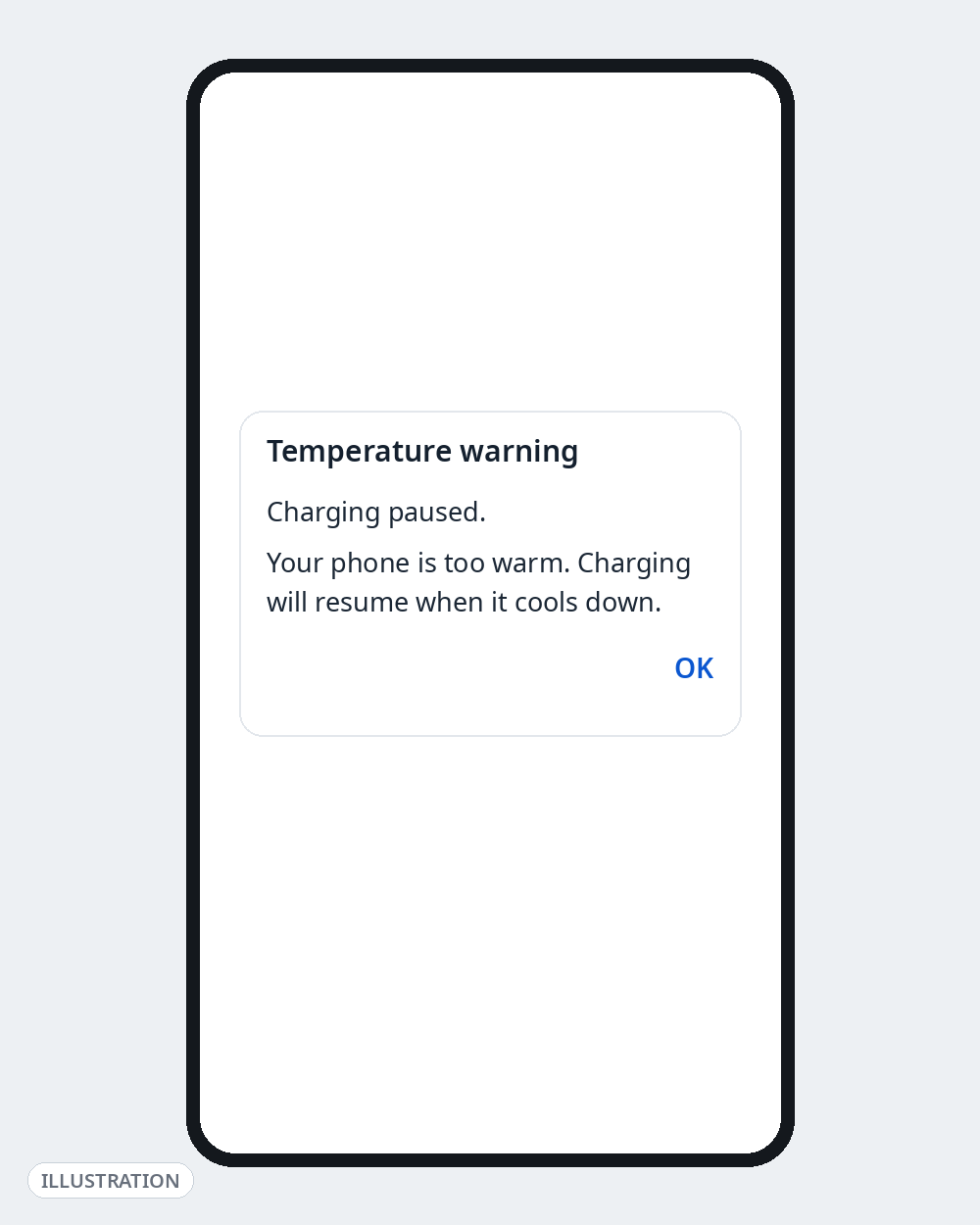
First, the fast answer: a phone that feels warm while charging — especially fast charging — is usually normal. A phone that is too hot to hold comfortably, shows a temperature warning, slows charging to a crawl or shuts down is not. Unplug it, close everything, and let it cool on a hard, flat surface. Then work through the fixes below in order — they run from the most common cause (how and where you’re charging) to the least common (a failing battery).
Never cool a hot phone in a fridge or freezer, under water, or against ice. Rapid temperature shocks and condensation can damage the battery and seals. Natural cooling in open air is the safe method, and it is what manufacturers themselves advise.
Stop and skip to Fix 9 if: the back panel is bulging, the phone smells sweet/chemical or like burning, you hear hissing or popping, or the phone is too hot to pick up. Those are battery-failure signs, not “heating issues.”
Fix 1: Unplug, Stop Using It, and Let It Cool Properly
Heat while charging almost always gets worse because the phone is also working while it charges. Charging itself generates heat; a game, video call or screen-on navigation on top can push it over the edge.
- Unplug the charger.
- Close all apps. Put the phone down, screen off.
- Leave it on a hard, flat surface — a table, not a bed, sofa or your pocket.
- Wait until it feels normal to the touch before charging again.
Samsung’s official guidance for a heating device is exactly this: remove the charger, close all running apps, and wait for the device to cool down before charging again.
Fix 2: Take the Case Off While Charging
Thick cases — especially leather, wallet and rugged/armour cases — trap the heat the phone is trying to shed through its back panel. If your phone only overheats in its case, you’ve found your cause.
- Charge without the case for a few days and compare.
- If you use wireless charging, also check nothing is sandwiched between phone and pad. Samsung specifically warns that metal objects, magnets and cards between the device and a wireless charger cause overheating — that includes the metal plate some car mounts stick to the back of a case.
Fix 3: Don’t Use the Phone Heavily While It Charges
The single most common real-world cause. While charging, avoid:
- Gaming (the worst offender — CPU, GPU, screen and charging heat combined)
- Video calls and long camera/recording sessions
- Navigation with the screen on full brightness
- Downloading large files / restoring a backup / a big OS update finishing in the background
Light use — replying to a message — is fine. If you must charge mid-game-session, accept slower charging and more warmth, or pause the game while it charges. Also check the obvious: a just-finished system update or first-time setup makes any phone run hot for a day while it indexes and restores data; that settles on its own.
Fix 4: Check the Charger and Cable — And Swap Them
After usage, accessories are the next most common cause, and this is straight from manufacturers’ support pages: damaged cables and non-genuine/third-party chargers are a listed cause of heating while charging.
- Inspect the cable for fraying, kinks near the ends, or a loose connector. Replace any damaged cable — don’t tape it.
- Check the charging port for lint and dust (phone off, gentle air or a soft brush/wooden toothpick only — never a metal pin, never liquid).
- Use the charger and cable that came with the phone, or a certified one from a known brand, matched to your phone’s charging standard.
- Test: charge for 20 minutes with a different known-good charger and cable. If the heat disappears, retire the old accessory.
Ultra-cheap “fast charge” adapters from unbranded listings are a genuine risk here, not a bargain — a charger that negotiates the wrong voltage/current makes both itself and the phone hot.
Fix 5: Change Where You Charge
Environment is the silent cause, especially in Indian summers:
- Charge in a cool, ventilated spot, out of direct sunlight. Never charge on a bed, pillow or blanket — soft surfaces block airflow and hold heat in.
- Never leave a charging phone in a parked car or on a dashboard.
- Keep it off heaters, laptops and other warm surfaces.
- Wireless charging runs warmer than wired by design; if heat is your problem, prefer a cable.
Phones are designed to work within a normal room-temperature range; charging in a 40°C+ room or in sun will trigger thermal slowdowns on any brand.
Fix 6: Reduce the Phone’s Workload While It Charges
If the phone must stay on, cut what it’s doing in the background:
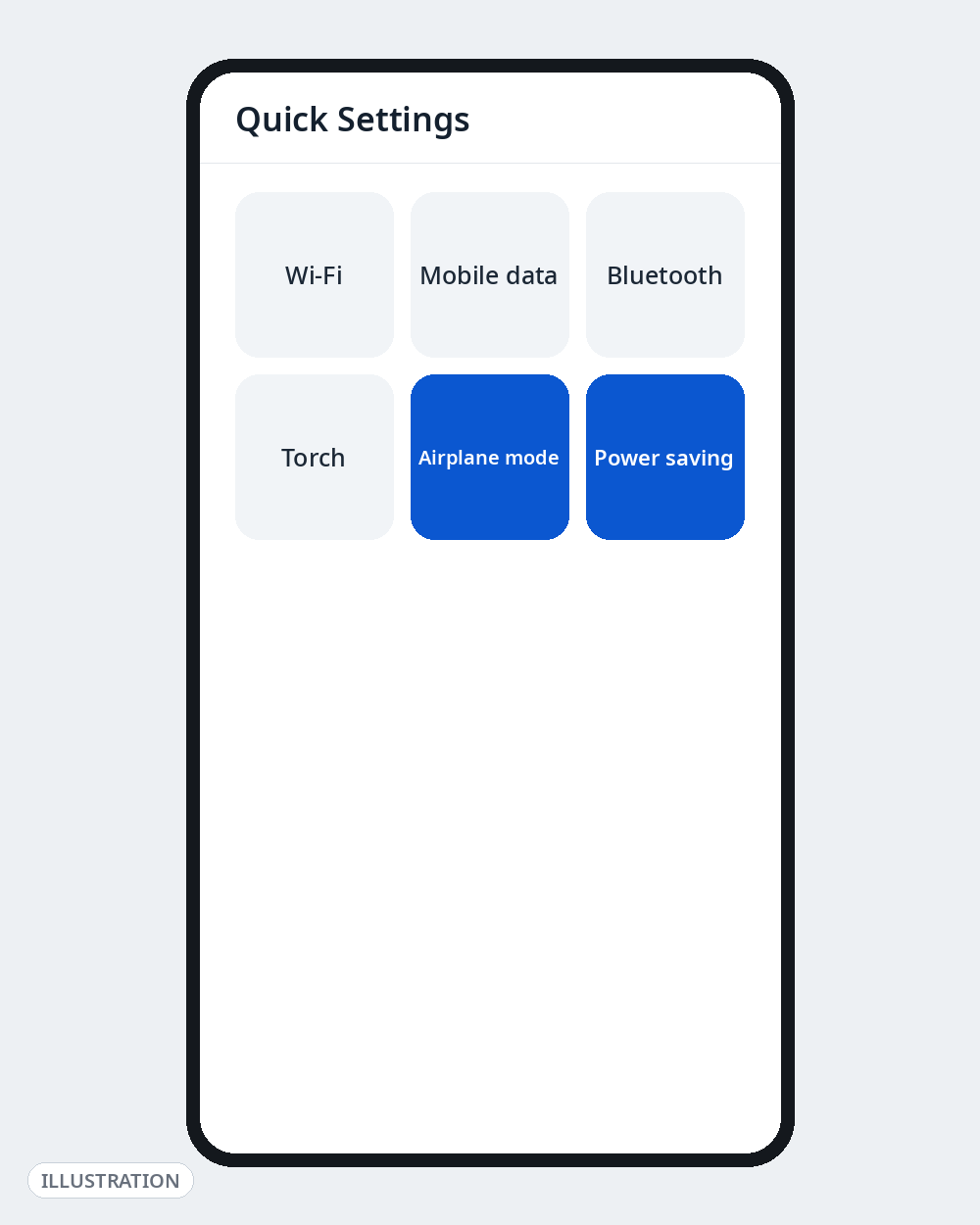
- Turn on Airplane mode while charging if you don’t need calls — radios (especially hunting for signal in a weak-coverage area) generate real heat. Weak signal is a known heating trigger for the same reason.
- Or enable Power saving mode during charging to limit background sync and network activity.
- Lower screen brightness and let the screen stay off.
- Turn off Mobile Hotspot/tethering while charging — hotspot + charging is a classic overheating combination.
Fix 7: Find the One Misbehaving App, Then Update and Restart
If heating started recently, suspect software before hardware:
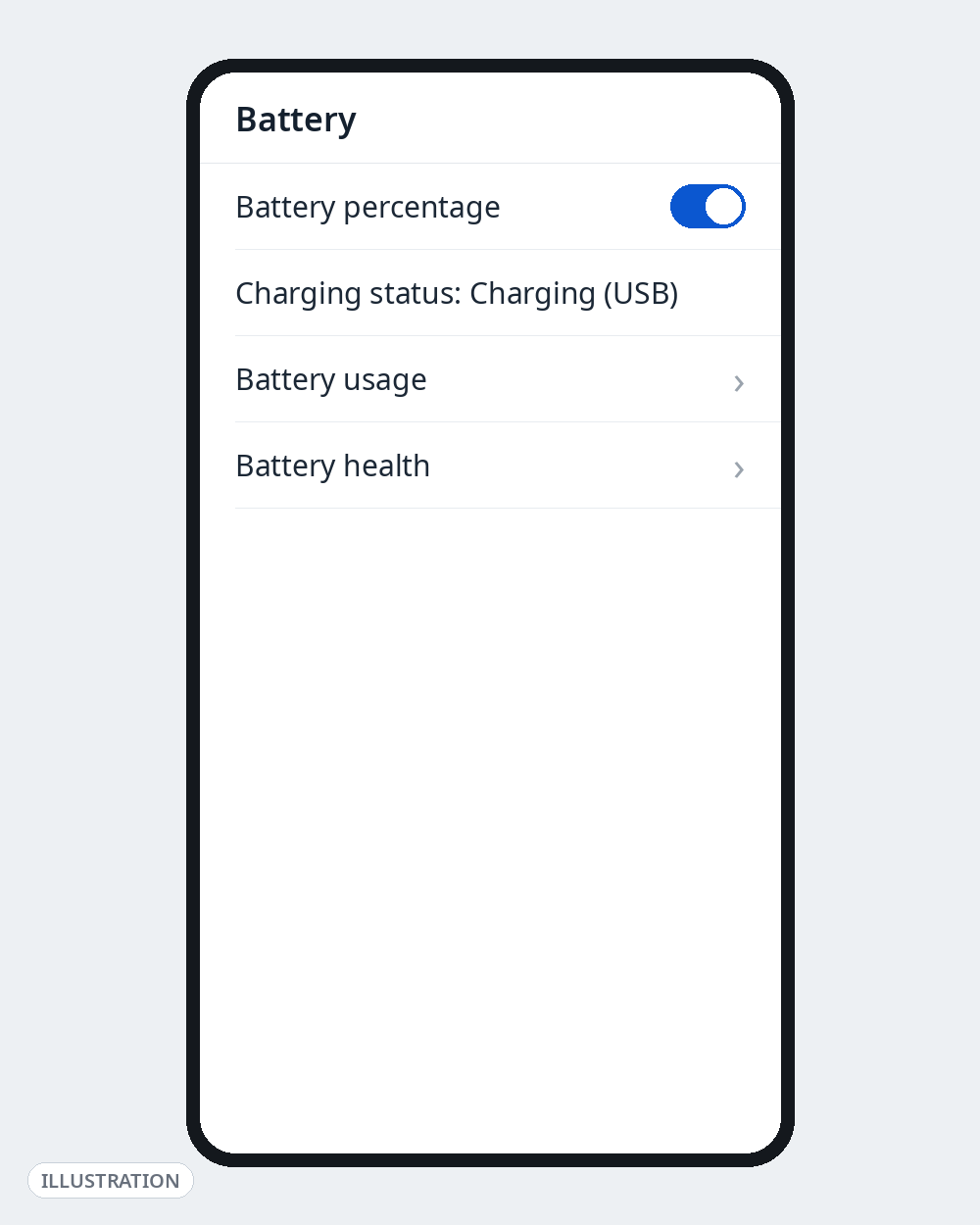
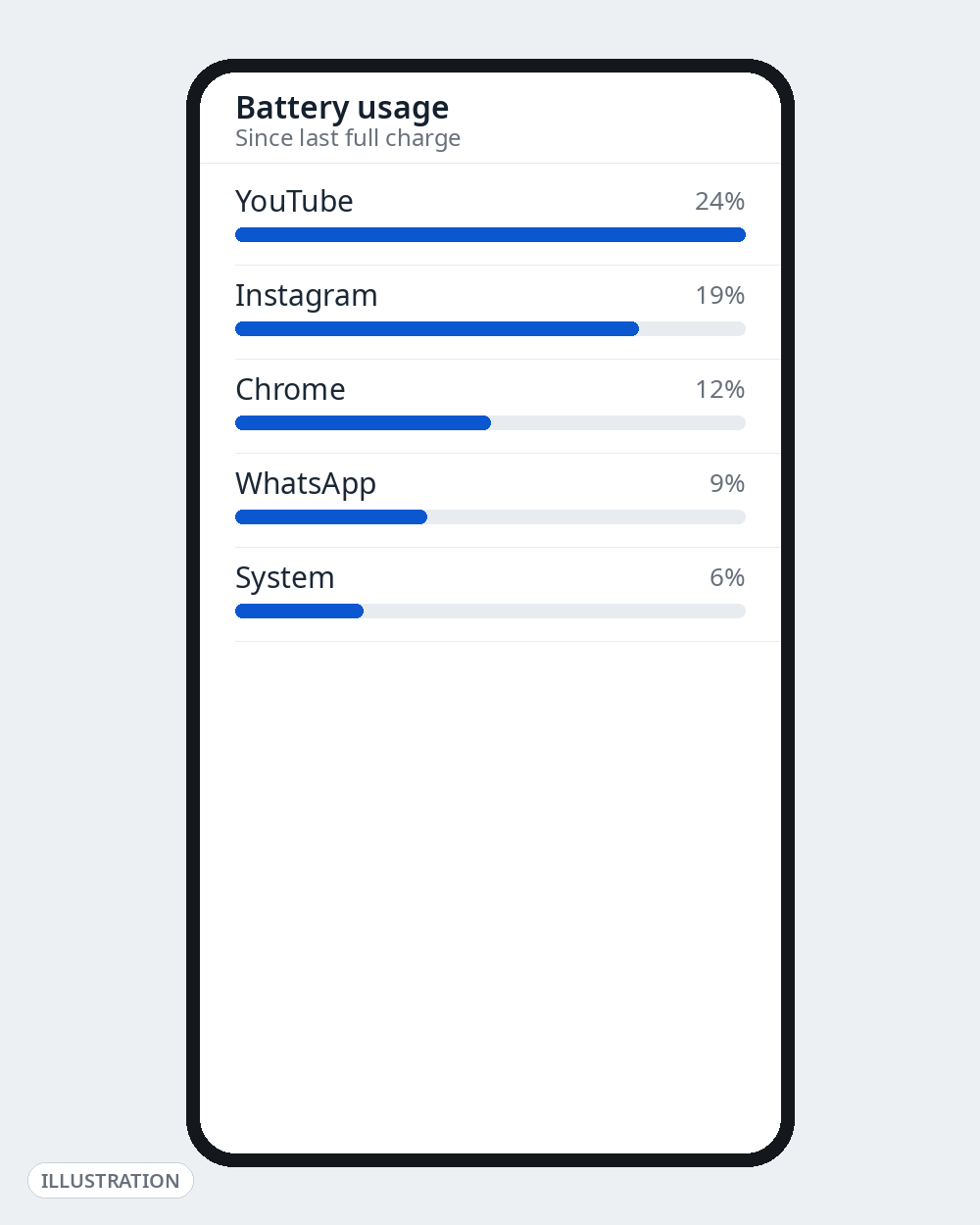
- Go to Settings → Battery → Battery usage and look for one app using a wildly disproportionate share. A stuck sync, a runaway social app or a bad update can pin the CPU even while you charge.
- Force-stop or uninstall that app and test the next charge.
- Install pending app updates and any system update — manufacturers ship thermal/battery fixes in updates — then restart the phone. A restart clears stuck processes that survive for weeks otherwise.
- Still heating with nothing running? Boot once in Safe Mode (the option appears on most phones when you long-press Power off on the power menu) and charge. Cool in Safe Mode = a third-party app is the cause; uninstall recent apps one by one.
Fix 8: Turn Fast Charging Down or Off
Fast charging trades heat for speed — that’s physics, not a fault. If your phone reliably gets hot while fast charging and is comfortable on a normal charge, that’s your answer:
- Samsung: Settings → Battery → Charging settings → turn off Fast charging (and/or Super fast charging).
- Xiaomi/Redmi, OnePlus, realme and others: look under Settings → Battery for the fast/boost charging toggle; menu names differ by brand and version.
- A practical routine many people settle on: slow/standard charging overnight, fast charging only for short daytime top-ups when you actually need the speed.
- Bonus: less heat per charge is also gentler on long-term battery health.
Fix 9: Check Battery Health — And Know When It’s a Service-Centre Problem
If the phone still overheats on a known-good charger, in a cool room, doing nothing, the problem is likely the battery or hardware itself.
- Samsung: open the Samsung Members app → Diagnostics → Battery status.
- Other brands: check Settings → Battery for a battery health/capacity readout if your model offers one; menu availability varies.
- On any Android phone you can cross-check live battery temperature while charging with the diagnostic codes in our linked guides — carefully, and view-only.
Go to an authorised service centre — and stop charging the phone — if you see any of these:
- The back is bulging or the screen is lifting (a swollen battery). Do not press it down, do not keep charging it, and don’t carry it in a tight pocket.
- A sweet, chemical or burning smell, hissing, or popping sounds.
- The phone shuts down from heat repeatedly, or shows temperature warnings during a plain, slow charge.
- One specific spot on the phone or the charger itself gets painfully hot (possible port or charger fault).
Do not attempt battery “calibration” tricks, freezer tricks or any fix that involves opening the phone. A swollen or failing battery is a safety issue, not a settings issue.
The 2-Minute Summary
Warm while fast charging + gaming = normal. Hot while doing everything right = work the list: cool it (1), case off (2), stop heavy use (3), swap the charger/cable (4), move it somewhere cooler (5), cut background load (6), hunt the rogue app (7), slow the charging down (8), and check battery health / get service if it persists (9).
Go Deeper on Androfyi
- Find charging-related hidden menus safely in our USSD codes and Android dial pad secrets guide.
- Several fixes above are one toggle away — see 7 Android settings that change everything.
- Advanced users: limit background processes and check running services with our Developer Options power user’s guide.
FAQ
Is It Normal for a Phone to Heat Up While Fast Charging?
Yes, within limits. Fast charging pushes more power into the battery and warmth is a by-product; wireless charging also runs warm. It crosses into “not normal” when the phone is too hot to hold comfortably, charging slows dramatically, you get temperature warnings or shutdowns, or it stays hot long after you unplug.
Can a Bad Charger Really Cause Overheating?
Yes — manufacturers list damaged and non-genuine chargers/cables among the top causes of heating while charging. A damaged cable or a charger delivering unstable power makes the phone and the port work harder and hotter. Swapping in the original or a certified charger is the cheapest diagnostic test you can run.
Should I Put My Hot Phone in the Fridge to Cool It Faster?
No. Sudden cold can cause condensation inside the phone and stress the battery and seals. Unplug it, close apps, take the case off and leave it on a hard surface in open air — it will cool safely in minutes.
Does Removing the Case Really Help?
Often, yes. The back panel is how the phone sheds heat, and thick or insulated cases slow that down. If your phone charges cool without the case and hot with it, the case is your cause — charge caseless, or switch to a thinner case.
When Should I Worry and Visit a Service Centre?
Immediately if the phone or battery is swelling, smells chemical or burnt, makes noises, or is too hot to hold; and soon if it overheats during a slow charge, in a cool room, with nothing running, even after trying a different certified charger. Those patterns point to a failing battery or hardware fault, not settings.
Sources Checked for This Guide
Fixes and safety guidance were cross-checked against Samsung’s official support pages on Galaxy heating — causes (damaged/third-party chargers, foreign objects on wireless chargers, processor-intensive apps, hot environments and weak signal), the recommended response (unplug, close apps, let it cool, use approved chargers and cables), and Samsung Members diagnostics — applied here to Android phones generally. Brand-specific menu paths (Fix 8) vary by model and software version, as noted in the text.