Xiaomi, Redmi & POCO Secret Codes List: Working Codes, Safe vs Dangerous
 androfyi October 31, 2026 10 min read 4 views
Need a Xiaomi secret code right now? Start with these three — they are safe, read-only, and work on most Xiaomi, Redmi and POCO phones:
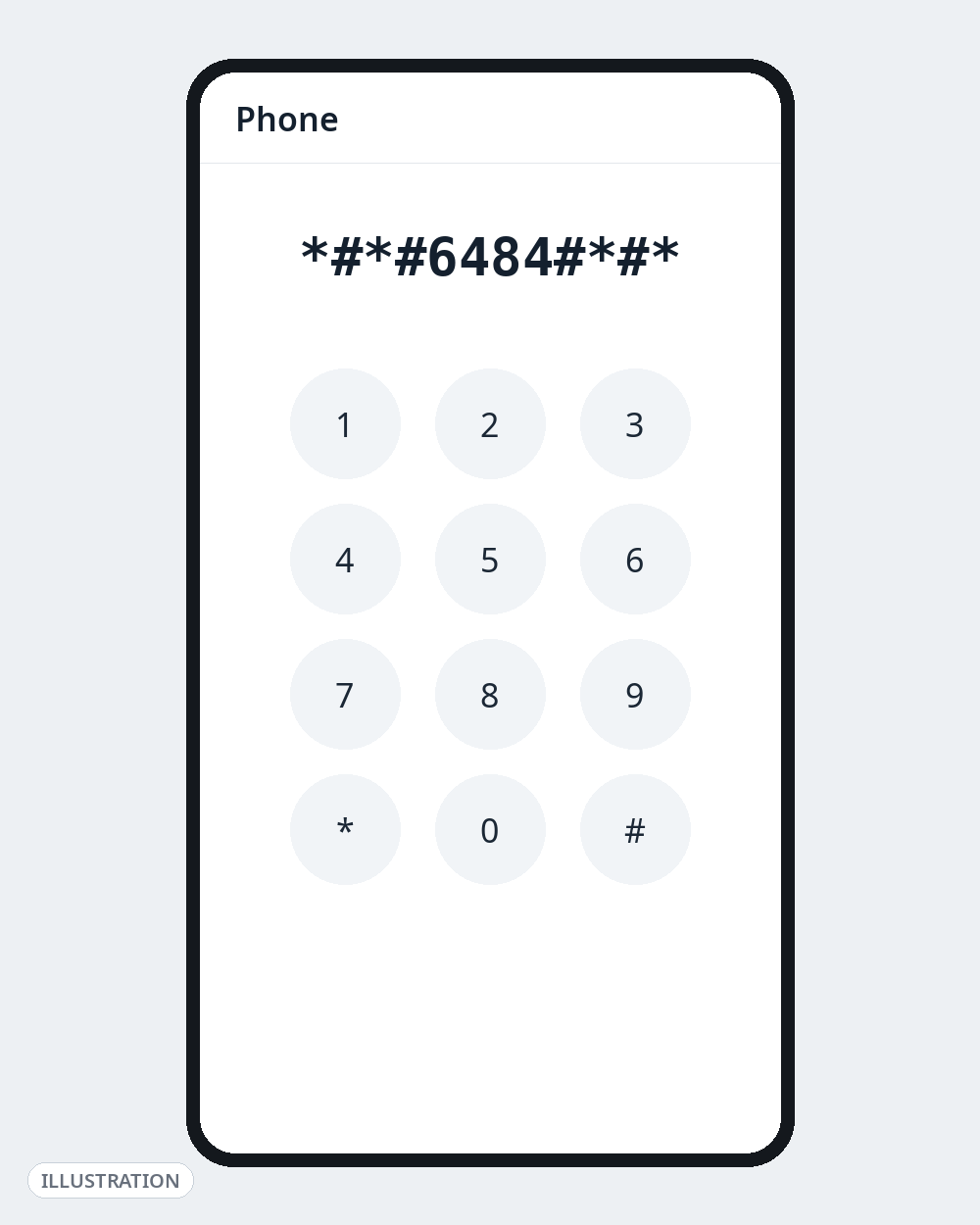
*#*#6484#*#*— opens the CIT hardware test menu (display, touch, sensors, speakers, cameras and more)*#06#— shows your IMEI number (both SIM slots)*#*#6485#*#*— shows battery information: charge level, voltage, temperature and cycle/health data
Everything else in this list is split into three groups: Safe (look, don’t change anything), Use with caution (the menu can change settings) and Dangerous — do not dial (reset codes that can wipe your phone). That split is the whole point of this guide: most “complete Xiaomi codes” lists mix all three together and copy each other’s mistakes for years, including codes that only ever worked on one chipset or an old MIUI version.
Read this first: Codes vary by model, MIUI/HyperOS version, and — uniquely important for Xiaomi — by chipset: some exist only on MediaTek-powered phones (many Redmi and POCO models). Xiaomi also restricts hidden codes with successive updates, so a code that worked on MIUI 13 may do nothing on HyperOS. If a code does nothing, your model doesn’t support it — that is normal, not a fault. Use the stock Xiaomi Phone app; codes generally do not work in Google Phone. Do not keep trying variants from random sites.
Safe Xiaomi Codes — Information and Tests Only
These codes open a screen that shows information or runs a test. Back out with the Back button and nothing on your phone changes.
| Code | What it does | When it’s useful |
|---|---|---|
*#06# | Shows IMEI for both SIM slots (and serial number on many models) | Lost/stolen reports, warranty checks, verifying a used phone against the IMEI on its box. Never share your IMEI publicly. |
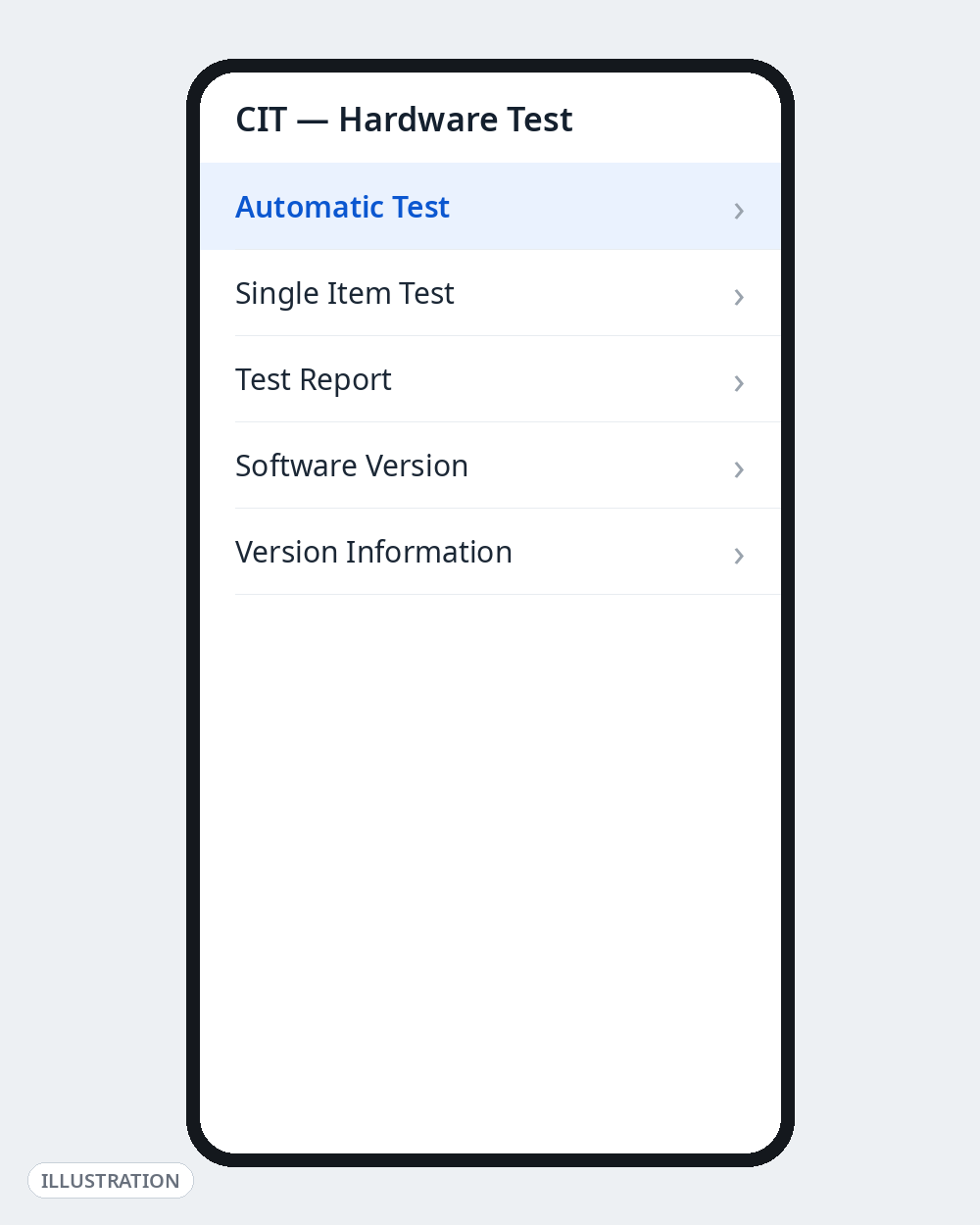
*#*#6484#*#* | CIT hardware test menu: Automatic Test, Single Item Test, Test Report — display, touch, sensors, speakers, mics, vibration, fingerprint, cameras | Run the Automatic Test before buying any used Redmi, POCO or Mi phone. Tests only; skip anything labelled “calibration”. |
*#*#64663#*#* | QC Test / hardware test menu (sensors, Bluetooth, battery, speakers) | The long-standing Redmi test entry — try it if *#*#6484#*#* does nothing on older MIUI. Some builds accept the ##64663## form. |
*#*#6485#*#* | Battery information: level, voltage, temperature, health/cycle fields (MF_02 = cycles, MF_05 = capacity, per sources) | Checking battery wear on a used phone. Information only — ignore “battery calibration” claims. Some builds accept ##6485##. |
*#*#4636#*#* | Android Testing menu: phone/radio info, usage statistics, Wi-Fi info | Weak signal or slow data checks. View only — the network-type dropdown inside changes settings; restricted on some HyperOS builds. |
*#*#0#*#* | LCD display test: cycles through solid colour screens | Spotting dead pixels and backlight bleed on a used phone |
*#*#2664#*#* | Touchscreen test: draw on a grid to reveal dead zones | Diagnosing ghost touch or an unresponsive strip of screen |
*#*#0588#*#* | Proximity sensor test | If your screen stays lit during calls, this shows whether the sensor responds |
*#*#289#*#* | Speaker and microphone test: plays tones, records and plays back | Checking distorted call audio or a dead earpiece |
*#*#0842#*#* | Vibration motor and backlight test | Checking a weak vibration motor |
*#*#1575#*#* | GPS test with satellite lock information | Diagnosing slow or drifting location |
*#*#232331#*#* / *#*#232339#*#* | Bluetooth test / WLAN (Wi-Fi) test | Verifying the Bluetooth or Wi-Fi radio with a technician |
*#07# | SAR value information | Checking your model’s listed radiation (SAR) value (India’s limit is 1.6 W/kg) |
*#*#0000#*#* | Full device information: model, hardware/software versions, baseband | One-screen identity check. Reported by fewer sources than the codes above; may not open on every HyperOS phone. |
*#*#1111#*#* / *#*#2222#*#* / *#*#3264#*#* | FTA software version / FTA hardware version / RAM version | Support and diagnostic checks |
*#*#426#*#* | FCM (Firebase Cloud Messaging) diagnostics for Google Play services | Checking why push notifications (WhatsApp, Gmail) arrive late |
*#21# / *#67# / *#43# | Call forwarding status (all calls / when busy) / call waiting status | Checking whether your calls are being forwarded without you knowing |
That’s 21 codes you can dial without risk on a phone you own. Two habits keep them safe: don’t tap buttons inside a menu you don’t understand, and exit with Back rather than experimenting.
A Safer Alternative for Most People: Open CIT from Settings — No Code at All
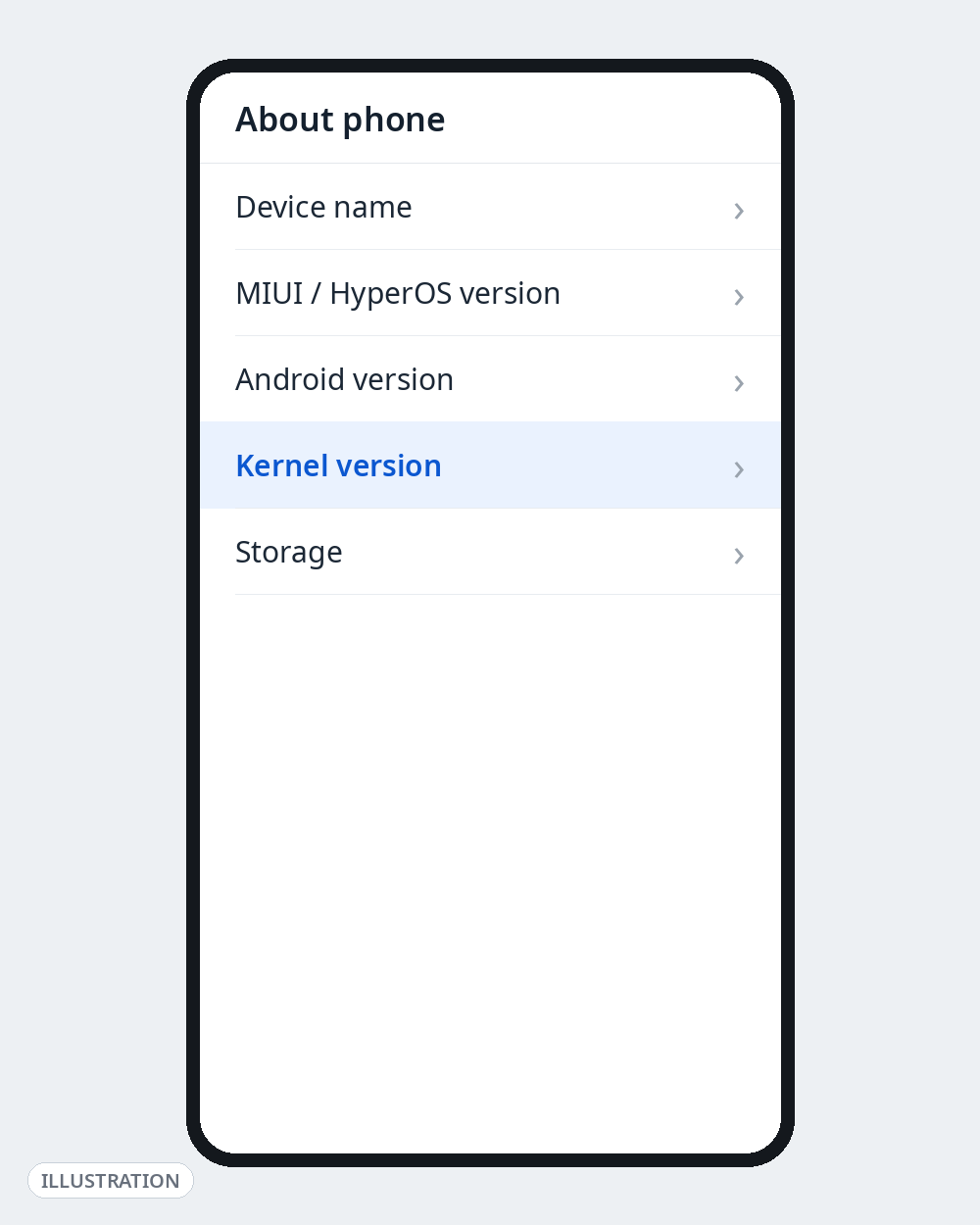
If all you want is “is my phone healthy?”, you don’t need a code. Go to Settings → About phone → All specs (on HyperOS: About phone → Detailed info and specs) and tap Kernel version five times — the same CIT menu opens. It works even where Xiaomi has restricted the dialler codes, and it is the check a Xiaomi service centre runs — worth doing before paying for a second-hand Redmi or POCO in India.
Use with Caution — These Menus Can Change Settings
These codes are real and documented, but what they open can change your phone. Open them only if you know why you are there, and change nothing unless following model-specific instructions from Xiaomi support or a technician.
| Code | What it opens | The risk |
|---|---|---|
*#*#3646633#*#* | MediaTek EngineerMode: deep radio, network and audio engineering menus | MediaTek phones only (many Redmi Note and POCO models); nothing on Snapdragon phones. Band, RF and audio-gain values can be changed inside — mistakes can leave you with no signal. Technicians only. |
*#*#86583#*#* | VoLTE carrier-check override: makes the VoLTE option appear in SIM settings even when the carrier check failed | Flips a hidden toggle. Widely used in India when VoLTE options were missing on Jio/Airtel — but unnecessary if your carrier and plan fully support VoLTE. |
*#*#86943#*#* | VoWiFi (Wi-Fi calling) carrier-check override | Same caution as VoLTE: it changes a setting rather than showing information. One source prints this code with an extra digit (*#*#869434#*#*) — the form here is the one our other sources corroborate. |
*#*#726633#*#* | Enables the 5G SA (standalone) option in network settings | Changes how your phone camps on 5G. 5G SA coverage in India is still patchy; forcing SA where only NSA exists can worsen your connection. |
*#*#284#*#* | Instant bug report: captures a diagnostic log package (saved under the MIUI debug-log folder on MIUI builds) | The log can contain personal data. Generate it only when Xiaomi support asks; never post one publicly. Behaviour may differ on HyperOS. |
*#*#2663#*#* | Touchscreen (TSP) firmware version screen | Listed here, not in Safe, because on some builds this screen sits next to firmware-update options. View only — never tap an update option. |
Dangerous — Do Not Dial These
These codes are listed so you can recognise and avoid them, not to try them. Several older lists present them as ordinary “secret codes”, sometimes even as “soft reset” tricks. They are not.
| Code | What it actually does |
|---|---|
*#*#7780#*#* | Factory data reset on older MIUI: wipes apps, app data, accounts, Wi-Fi passwords and settings. Reportedly deprecated in modern HyperOS — but lakhs of phones in India still run older MIUI, where it remains a live risk. |
*2767*3855# | Legacy full-format code: complete device wipe and firmware re-install on old Android builds. Reported as no longer working on current Xiaomi firmware — still listed because it keeps circulating. |
Also avoid, as a rule:
- Anything inside MediaTek EngineerMode that touches bands, RF or EFS/NV data. Corrupting these can permanently break calling and IMEI registration — and “IMEI repair” via engineering menus is illegal in India.
- Any site, video or shop claiming a code will remove Mi Account lock, bypass FRP/Google lock, or “unlock” a second-hand phone. Those codes do not exist. Even a genuine factory reset does not remove Mi Account or FRP — after a reset you still need the previous owner’s Mi Account and Google credentials (Beebom states this explicitly). A phone that stays locked after a reset is behaving as designed; anyone charging for a “code” to fix it is running a scam, common in India’s used-phone market.
- “Battery calibration” and “charging boost” codes. No dial code calibrates a lithium battery or charges faster. At best they open an information screen; at worst they are the reset codes in disguise.
If you actually want to reset your phone, do it the safe way: back up first (Google backup / Mi Cloud / PC), then use Settings → About phone → Factory reset. You get warnings and a confirmation step — everything the codes skip. You will need your Mi Account and Google passwords afterwards.
Why Did a Code Not Work on My Phone?
In order of likelihood:
- Your MIUI/HyperOS version removed or restricted it. Xiaomi tightens access with successive releases — reset codes were deprecated in HyperOS, and even
*#*#4636#*#*is restricted on some newer builds. The Settings → Kernel version route to CIT survives: it is the service centre’s own path. - Wrong chipset.
*#*#3646633#*#*(EngineerMode) exists only on MediaTek phones. On a Snapdragon Xiaomi or POCO it does nothing, and no Snapdragon equivalent exists. - Your model or region never had it. Redmi, POCO and Mi lines do not all expose the same menus, and Indian, Global and China ROMs differ.
- You used the wrong dialler. Try again in the stock Xiaomi Phone app — codes generally do nothing in Google Phone.
- The code was wrong. Lists get copied for years, including typos and Samsung-only codes relabelled as Xiaomi codes. A code on only one website is a code to skip — one widely copied code,
*#*#9324#*#*, appears in none of the current sources we checked, so it is not listed here.
Go Deeper on Androfyi
- On a Galaxy instead? See our Samsung secret codes list (safe vs dangerous) — many codes differ completely between brands.
- New to hidden menus? Start with our USSD codes and Android dial pad secrets guide.
- For settings you can change safely and reversibly, see 7 Android settings that change everything.
- Ready for the advanced stuff? Read our Developer Options power user’s guide — on Xiaomi, opened by tapping the MIUI/HyperOS version in About phone seven times.
FAQ
What Is the Safest Xiaomi Secret Code to Try First?
*#06# (IMEI) and the CIT hardware test. For CIT, the Settings route is safest of all — Settings → About phone → All specs / Detailed info and specs → tap Kernel version five times — because no code is involved. If a code is in the Safe table above, it only displays information or runs a test.
Do Xiaomi Secret Codes Work on HyperOS, or Only MIUI?
The core information and test codes — *#06#, *#*#6484#*#*, *#*#6485#*#* — are reported working on both MIUI and HyperOS. But Xiaomi restricts more codes with each release: reset codes are reported deprecated in HyperOS, and *#*#4636#*#* is restricted on some builds. If a code does nothing, your build doesn’t support it — use the Settings route instead.
What Is the Difference Between *#*#64663#*#* and *#*#6484#*#*?
Honestly: the sources do not fully agree. *#*#64663#*#* is the older, long-documented “QC Test” entry; *#*#6484#*#* is described by current sources as opening the CIT / Engineering test menu (one list calls it a “CIT mirror”). In practice both lead to Xiaomi’s hardware-test family. If one does nothing, try the other — if both fail, the Kernel version tap in Settings opens CIT directly.
Can a Secret Code Damage My Phone?
The Safe codes cannot. The Caution and Dangerous ones can: reset codes erase your data, MediaTek EngineerMode can change radio settings that leave you without signal, and carrier-check overrides alter network behaviour. That is why this list separates them instead of giving you one flat list.
Is There a Xiaomi Code to Remove Mi Account Lock or Remove Google FRP Lock?
No. No dial code removes Mi Account activation lock or FRP/Google verification, and neither does a factory reset — after any reset, the phone asks for the previous Mi Account and Google credentials. Anyone selling such a code is running a scam. With a locked second-hand phone, your only legitimate routes are the original owner’s credentials or Xiaomi service with proof of purchase.
Sources Checked for This Guide
Codes and warnings were cross-checked against: Beebom Gadgets’ “Xiaomi Secret & Security Codes” list (updated May 2026 — CIT behaviour, network overrides, reset-code deprecation in HyperOS, FRP note), TheDroidGuru’s “List of Xiaomi & Redmi Secret Codes: HyperOS & MIUI” (battery MF_02/MF_05 fields, bug report, ## variants), Dr.Fone by Wondershare’s Xiaomi hardware test guide (CIT via Settings → Kernel version), Skilvo’s Android secret codes master list, and model code pages on MobileSpecs and MobileXFiles (Redmi 13, Redmi Note, Xiaomi 14T). Where sources disagreed — the VoWiFi code’s digits, the LCD test code’s form, the 64663 vs 6484 menus — that is stated in the article rather than smoothed over.