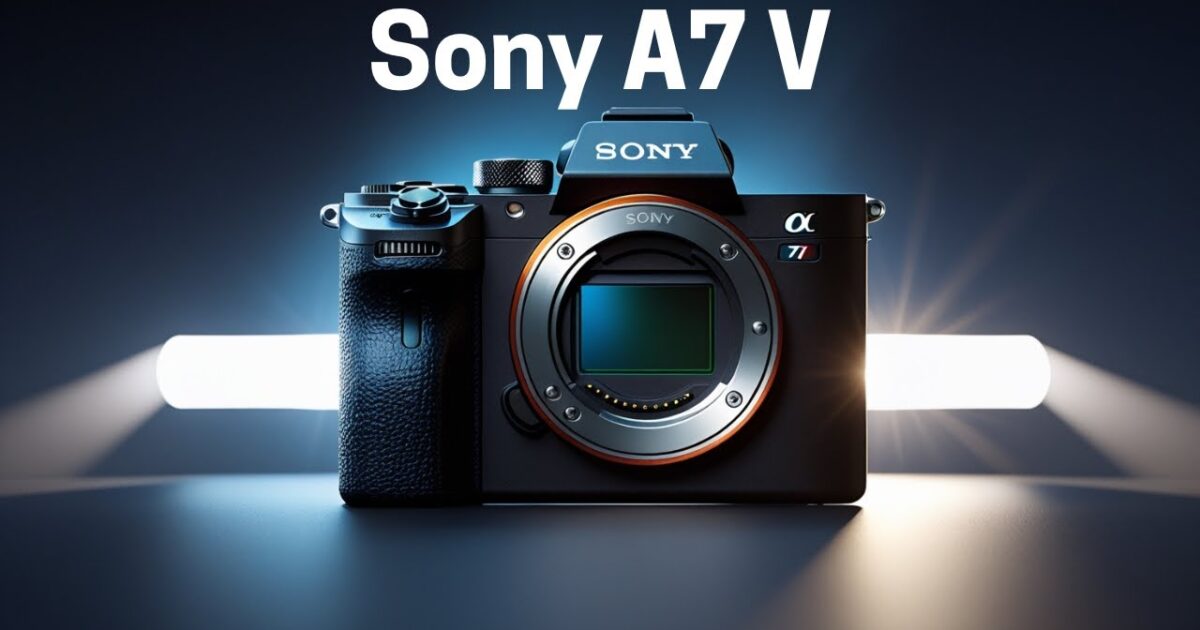
Fixed: Sony A7V Full Video Settings for Cinematography (The Fast Way)
 androfyi April 12, 2026 4 min read 296 views
⚡ The 30-Second Fix
To unlock cinematic video quality on your Sony A7V, switch from the default 4:2:0 8-bit to 10-bit 4:2:2 in XAVC S-I or XAVC S 4K format, disable the 4K Angle of View Priority mode to eliminate crop at 50/60p, and set your frame rate and shutter speed using the 180-degree rule (e.g., 24fps → 1/50s). This preserves dynamic range, improves color grading flexibility, and delivers a true full-frame look.
The Sony A7V is a powerhouse for hybrid shooters, but out-of-the-box video settings aren’t optimized for cinematography. By default, it records in 4:2:0 8-bit with a slight crop at higher frame rates – limiting dynamic range, color depth, and sensor coverage. Without manual adjustments, you’re leaving image quality, flexibility in post, and that coveted “cinematic feel” on the table.
Prerequisites
- Camera: Sony A7V with latest firmware installed
- Lens: Fast aperture lens (e.g., f/1.8 or lower) recommended for low-light control
- Storage: CFexpress Type-A or UHS-II SD card (V90 rated) for 4K 10-bit recording
- ND Filters: Essential for outdoor shooting to maintain proper shutter speed
- Region Settings: Confirm PAL (50Hz) or NTSC (60Hz) based on your location
Getting Started
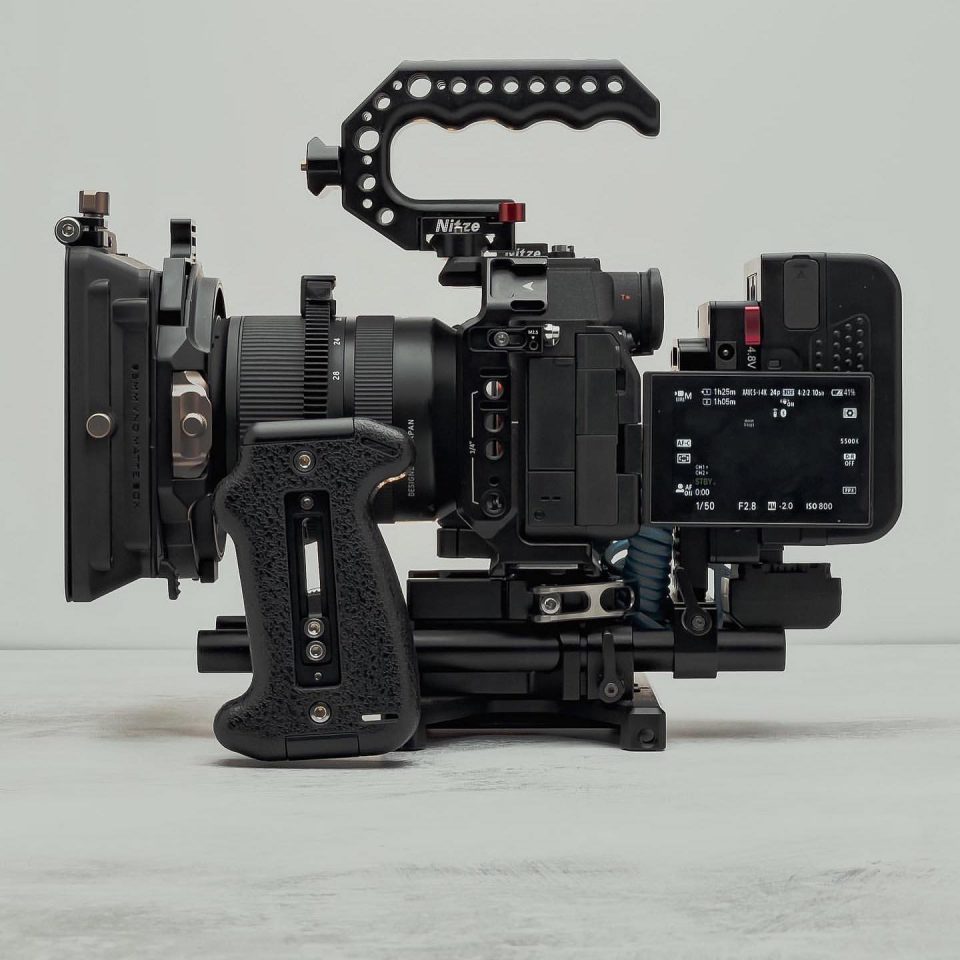
Phase 2: The Settings
- File Format: Navigate to Shooting Menu > Image Quality/Rec > File Format and select XAVC S 4K. Avoid XAVC S-I unless you need intra-frame compression – it demands faster cards and creates larger files with minimal visual gain.
- Record Settings: In Movie Settings, choose your frame rate:
• For cinematic motion: 24p or 25p (PAL) / 24p or 30p (NTSC)
• For slow motion: 50p/60p (full-frame) or 100p/120p (APS-C crop) - Bit Depth & Chroma: Ensure 10-bit 4:2:2 is selected in Record Settings for both 50/60p and 100/120p modes. This enables richer color grading and reduces banding.
- Angle of View Priority: Turn this OFF in Movie Settings. Default “ON” adds a small crop at 50/60p. Disabling it gives you true full-frame 4K 60p – ideal for wide-angle shots and shallow depth of field.
- Shutter Speed: Follow the 180-degree rule:
• 24/25p → 1/50s
• 30p → 1/60s
• 50/60p → 1/100s or 1/125s
This mimics natural motion blur and avoids the “video game” look. - ISO & Dual Native ISO: Use ISO 800 (base) for daylight or well-lit scenes. In low light, switch to ISO 8000 (second native) to minimize noise while preserving dynamic range.
- White Balance: Set manually (not AUTO) using a gray card or preset (e.g., 5600K for daylight, 3200K for tungsten). Avoid auto WB shifts during long takes.
- Focus Settings: Enable AI Subject Recognition (Auto) for people, animals, or vehicles. Use Wide or Zone AF Area for run-and-gun; switch to Spot for precise control. Set Focus Transition Speed to 3–4 for smooth rack focus.
- Custom Buttons: Assign ISO to the rear dial (clickable wheel near SET button) for quick adjustments. Map Fn Menu to include LUT preview, zebra levels, and waveform if available.
- S&Q (Slow & Quick) Mode: Use for dedicated slow-mo shoots. At 4K 120p (APS-C), you get 5x slow motion over 24p. Note: rolling shutter increases in crop mode (~14ms).
Troubleshooting
Solution: Re-enable Angle of View Priority (AoVP) temporarily – it activates additional noise reduction. Or shoot at ISO 800 with more light/reflectors.
Tags: Sony A7V, cinematography settings, 4K 60p full frame, 10-bit 4:2:2, dual native ISO, angle of view priority, XAVC S 4K, shutter speed 180 rule, slow motion 4K 120p, AI subject tracking, video custom buttons, LUT import, rolling shutter, dynamic range, ND filter use