
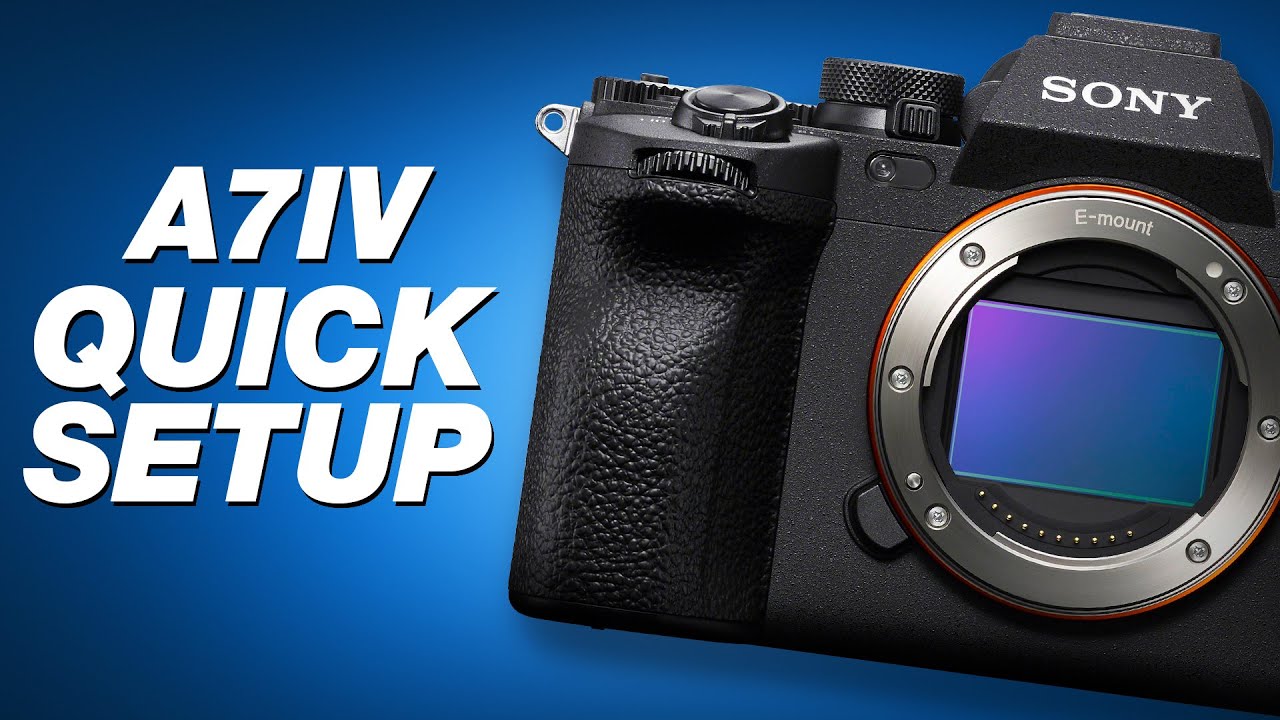
How to A7IV Camera Settings for Video Mastery (Video + Steps)
 androfyi
February 17, 2026
4 min read
277 views
androfyi
February 17, 2026
4 min read
277 views
The Sony A7 IV is a powerhouse for hybrid shooters, blending high-end photo capabilities with pro-level video features. Whether you’re filming cinematic 4K, slow-motion b-roll, or live streaming, dialing in the right settings can make or break your footage. In this guide, we’ll walk through essential A7IV camera settings to help you achieve clean, professional video every time – from setup to final export.
Quick Checklist
- Recording Format: Choose XAVC HS for balance of quality and file size, or XAVC S-I for maximum fidelity.
- Resolution & Frame Rate: 4K at 24/30p for cinematic looks; 1080p at 120p for smooth slow motion.
- Color Profile: Use S-Log3 for dynamic range or HLG for HDR delivery – avoid standard Creative Looks unless vlogging.
- Audio Setup: Enable headphone monitoring, set manual audio levels, and use an external mic via the 3.5mm port.
- Stabilization: Activate Active SteadyShot for handheld shots (note: adds crop).
- Overheating Prevention: Set Auto Power Off Temp to “High” and avoid 4K 60p in hot environments.
Phase 1: Setup
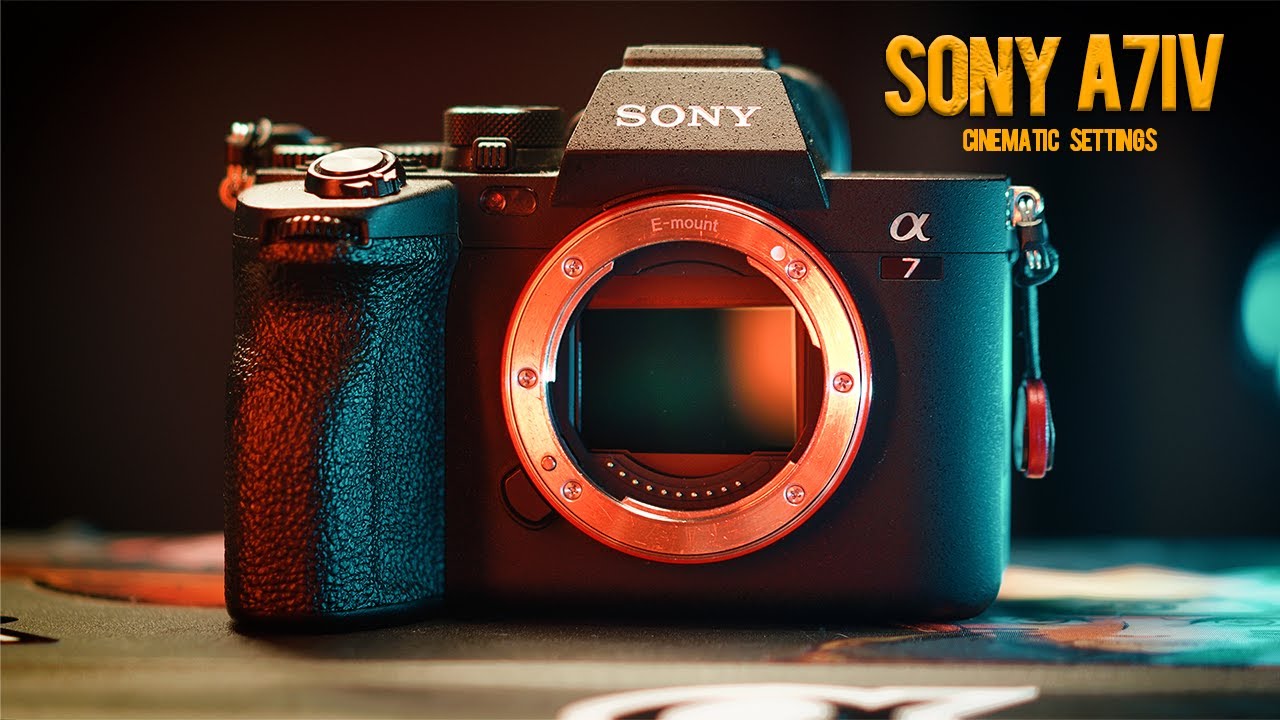
Before hitting record, configure your base settings for consistency and flexibility in post:
- Shooting Mode: Switch to Movie mode using the dedicated mode dial. Save three custom presets (e.g., 4K25, 4K50, 1080p120) for quick access.
- File Format: Select XAVC HS (H.265) for efficient 10-bit 4:2:2 recording, or XAVC S-I if you need uncompressed-like quality and have ample storage.
- Resolution: 3840 x 2160 (4K) for main deliverables. Note: 4K 60p triggers a 1.5x Super 35 crop – plan framing accordingly.
- Frame Rate: Match your project’s standard (24p for film, 25/30p for broadcast, 50/60p for motion clarity).
- Bit Depth & Color Sampling: Always shoot 10-bit 4:2:2 when possible – it gives more grading headroom than 8-bit.
- Gamma Curve: For maximum dynamic range (up to 15+ stops), enable S-Log3 (Picture Profile PP7). Use HLG (PP10–PP11) for direct HDR output without heavy grading.
- White Balance: Set manually (e.g., 5600K for daylight, 3200K for tungsten). Avoid Auto WB – it causes color shifts between clips.
- Focus Mode: Use Continuous AF (AF-C) with Wide-area or Zone focus. Enable Eye AF for people and Animal Eye AF for pets/wildlife.
- Audio Settings: Plug in an external mic, disable Auto Level, and set gain between -12dB and -6dB to avoid clipping. Monitor via headphones.
Step 2: Execution
Now that your camera is configured, optimize exposure and motion handling while filming:
- Exposure Triangle:
- Use Manual mode for consistent exposure across shots.
- Set shutter speed to double your frame rate (e.g., 1/50s for 25p) for natural motion blur.
- Open aperture as wide as needed (f/1.8–f/2.8) in low light, but stop down (f/4–f/5.6) for sharpness and depth.
- Keep ISO at native 100–51,200. Only extend to 102,400 if absolutely necessary – noise increases significantly beyond native range.
- Underexposure Strategy: When shooting S-Log3, underexpose by ~2/3 stop to preserve highlights. Lift shadows in post using RAW-like flexibility in 10-bit files.
- Anti-Flicker: In artificial lighting, enable Anti-Flicker mode and use mechanical shutter to prevent banding.
- Stabilization: Turn on Active SteadyShot for walking shots. Be aware it crops the image – use only when needed.
- Slow Motion: For 1080p slow-mo, select S&Q mode and set frame rate to 100p or 120p. Playback will be slowed automatically in-camera or during editing.
- Live Streaming: Connect via USB (UVC/UAC compliant) for direct streaming at 1080p30 or 4K15. Internal recording continues simultaneously.
Step 3: Verification
After recording, ensure your footage is ready for post-production:
- Check Audio: Play back clips with headphones to confirm no distortion, wind noise, or dropouts.
- Review Exposure: Use the histogram and zebra stripes (set to 90–95%) to verify highlight retention, especially in S-Log3.
- Confirm Focus: Zoom in on playback to ensure critical subjects stayed sharp – leverage Eye AF logs if available.
- Monitor Temperature: If the camera warns of overheating, switch to a lower-res format (e.g., 1080p) or take breaks between long recordings.
- Backup Immediately: The A7IV uses dual slots (CFexpress Type A + UHS-II SD). Set to Relay or Backup mode and transfer files to two drives ASAP.
Tags: Sony A7 IV, video settings, 4K recording, S-Log3, XAVC HS, slow motion, camera setup, videography tips, 10-bit video, live streaming, focus map, Active SteadyShot, dual card slots, cinematic video, hybrid camera