I Swapped My Old Device for the ASUS ROG Zephyrus G14 review (2026): Is it worth it?: My Experience
 androfyi
May 20, 2026
4 min read
187 views
androfyi
May 20, 2026
4 min read
187 views
For years, I’ve carried around a bulky 17-inch gaming laptop that doubled as a portable space heater. It handled my work and weekend raids just fine – until I saw the 2026 ASUS ROG Zephyrus G14. Compact, sleek, and packing an OLED screen that made my old IPS panel look like a faded postcard, I had to know: could this tiny titan really replace my daily driver? After three weeks of real-world use – coding, gaming, editing photos, and even surviving a cross-country flight – I’ve got answers.
Unboxing & The Look & Feel
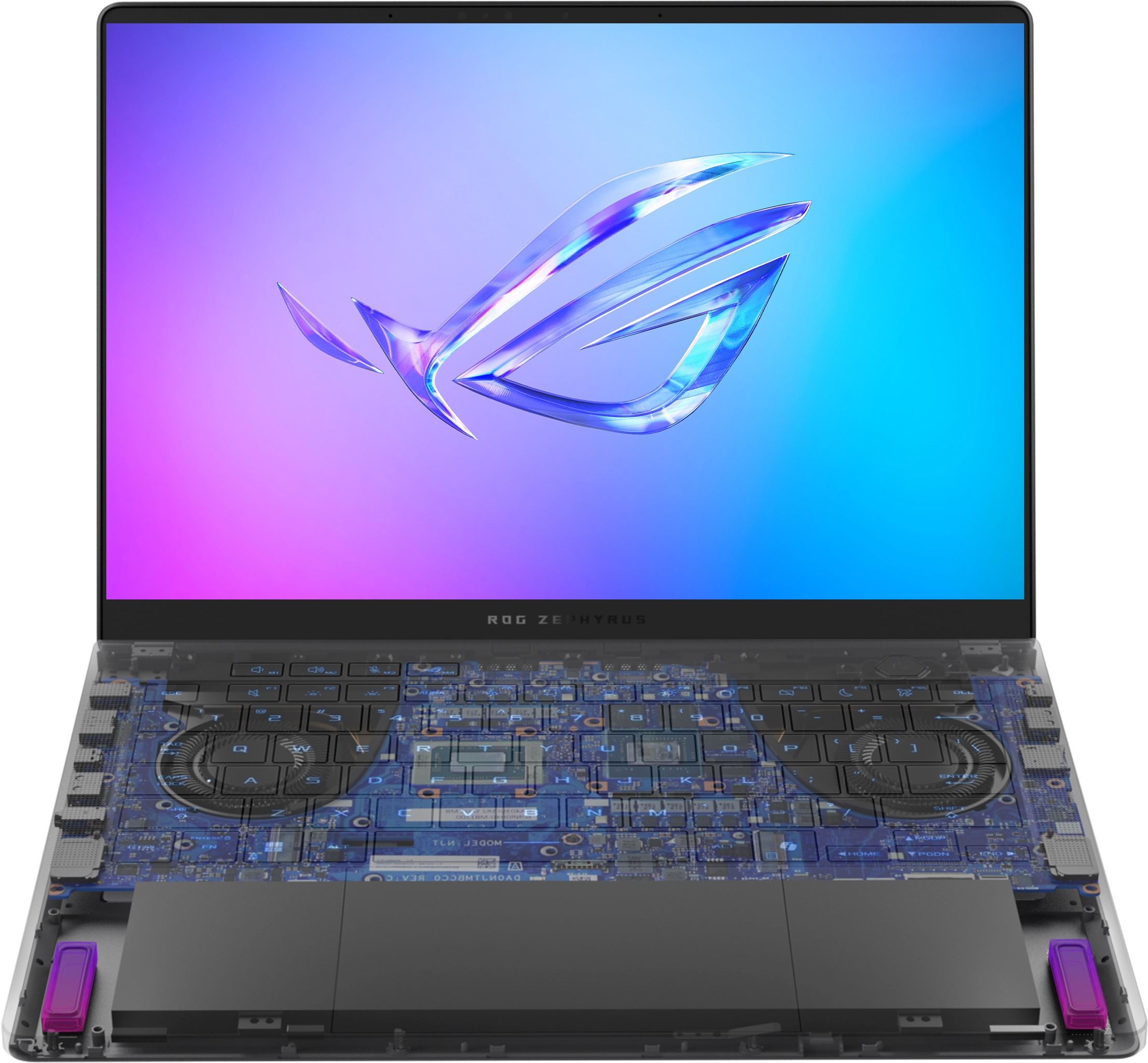
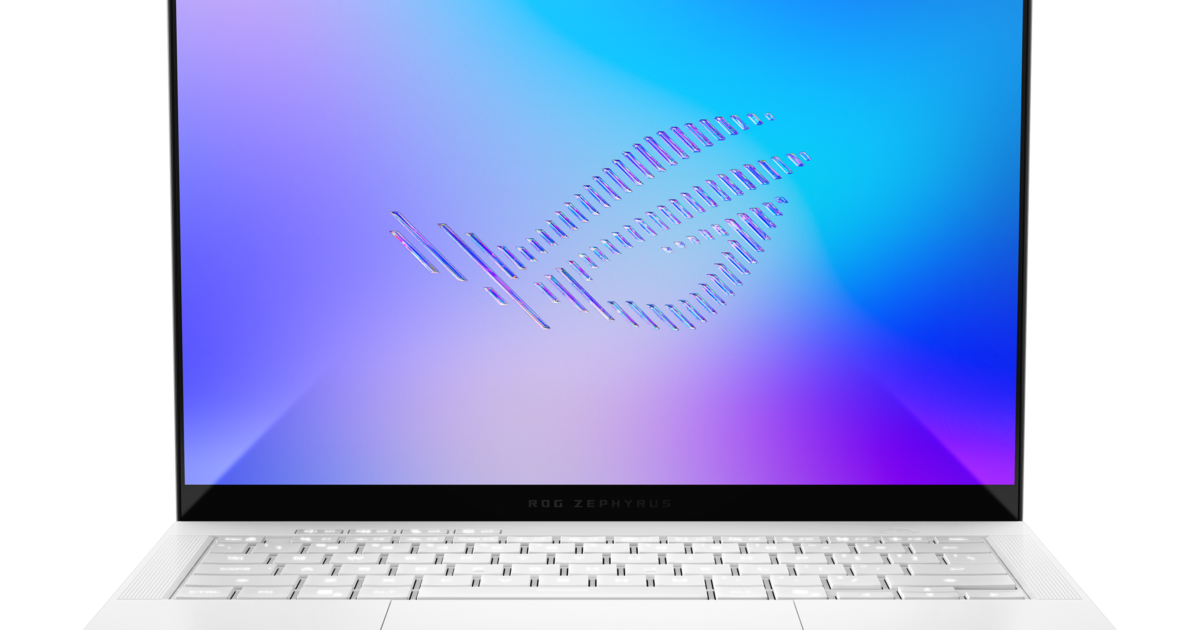
Right out of the box, the Zephyrus G14 (GU405AR-DS96-CA) feels like a luxury item. The full CNC-milled aluminum chassis in Eclipse Grey is rigid, cool to the touch, and surprisingly light at just 3.46 pounds. Sliding it into my backpack felt effortless – no more shoulder strain during campus commutes. The new EasyLift Hinge 2.0 eliminates the wobble I noticed on older models, opening smoothly with one hand while raising the keyboard for better airflow. It’s clear ASUS listened: this isn’t just a gaming laptop – it’s a boardroom-ready powerhouse that doesn’t scream “gamer” unless you want it to.
24 Hours Later: Is the Display Good?
Oh, it’s not just good – it’s jaw-dropping. The 14-inch ROG Nebula HDR OLED panel hits 1100 nits peak brightness (yes, really), covers 100% DCI-P3, and delivers inky blacks that make HDR content pop. I edited a sunset photo outdoors under direct sunlight and could actually see every detail – something no gaming laptop I’ve owned has managed. In a dim room, the screen dims so low it feels like reading by candlelight, reducing eye strain during late-night coding sessions. Colors stay vibrant without oversaturation, making it ideal for creatives. If you’ve been editing on a washed-out laptop screen, prepare to have your mind blown.
One Week Later: Gaming & Multitasking
Under the hood, the Intel Core Ultra 9 386H (Panther Lake, 18A process) paired with the RTX 5090 GPU delivers serious muscle. I ran Cyberpunk 2077 at Ultra settings with DLSS 4.0 and frame generation – and hit a steady 90+ FPS at 3K resolution. Multitasking? No sweat. With 32GB of soldered LPDDR5x RAM at 8533MHz, I had Chrome, Photoshop, Discord, and a game streaming session all running simultaneously without a hiccup. That said, Turbo mode gets loud – fans whir like a small jet engine – but performance doesn’t throttle. Battery life? Around 6–7 hours for productivity, which is solid for a machine this powerful. Just don’t expect to game unplugged for long.
The Bottom Line
If you’re upgrading from a 2022 or 2023 Zephyrus, the leap in display quality, hinge stability, and GPU performance makes this a no-brainer – even at $4,299 CAD starting (and $4,799 as tested). But if you already own the 2025 model, it’s a refined step forward, not a revolution. The soldered RAM means future-proofing is limited, and the price stings. Still, in the 14-inch category, compromises are fading fast. This isn’t just a gaming laptop – it’s one of the most balanced, capable ultraportables I’ve ever used.
Pros & Cons
- Feature: 1100-nit OLED screen with perfect blacks and stunning HDR
- Feature: Premium all-aluminum build that’s lightweight yet rigid
- Feature: EasyLift Hinge 2.0 eliminates wobble and improves airflow
- Feature: Full-size UHS-II SD card slot – rare in a 14-inch laptop
- Feature: RTX 5090 delivers desktop-level gaming in a portable form
- Drawback: Starting price is steep – $4,299 CAD is a serious investment
- Drawback: Fans get loud in Turbo mode during heavy workloads
- Drawback: 32GB RAM is soldered – no upgrades down the line
Tags: ASUS ROG Zephyrus G14, 2026 gaming laptop, OLED laptop review, Intel Core Ultra 9 386H, RTX 5090 laptop, portable gaming PC, high brightness display, CNC aluminum chassis, EasyLift Hinge 2.0, 14-inch gaming laptop, HDR True Black 1000, Panther Lake CPU, Zephyrus G14 review, premium ultrabook, ASUS laptop 2026