
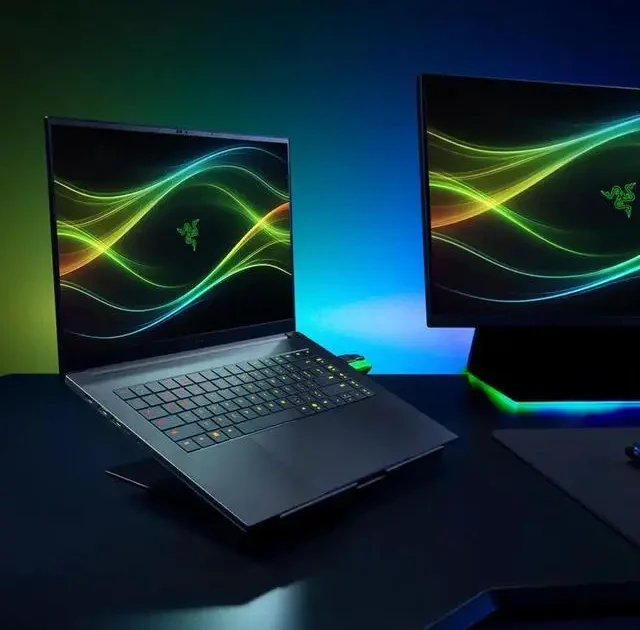
Benchmarks: All new 2026 Razer Blade 16 ultra 9/386H/5090/64gb … Long-Term Reality Check: 30 Days Later
 androfyi June 9, 2026 7 min read 337 views
I have been carrying the fully loaded 2026 Razer Blade 16 around for thirty days, and I need to talk about the gap between the spec sheet and your lap. On paper, this machine is an absolute monster. You are looking at an Intel Core Ultra 9 386H, an RTX 5090 laptop GPU, and 64 gigabytes of the fastest LPDDR5X memory money can buy. The marketing promises a 14.9mm thin chassis with 13 hours of battery life and desktop-class gaming. After a month of real-world testing, my initial benchmark scores tell one story, but my actual daily experience tells a completely different one. This is not a simple refresh. It is a total platform pivot that forces you to choose exactly which compromises you are willing to live with.
Ergonomics & Form Factor & Daily Handling
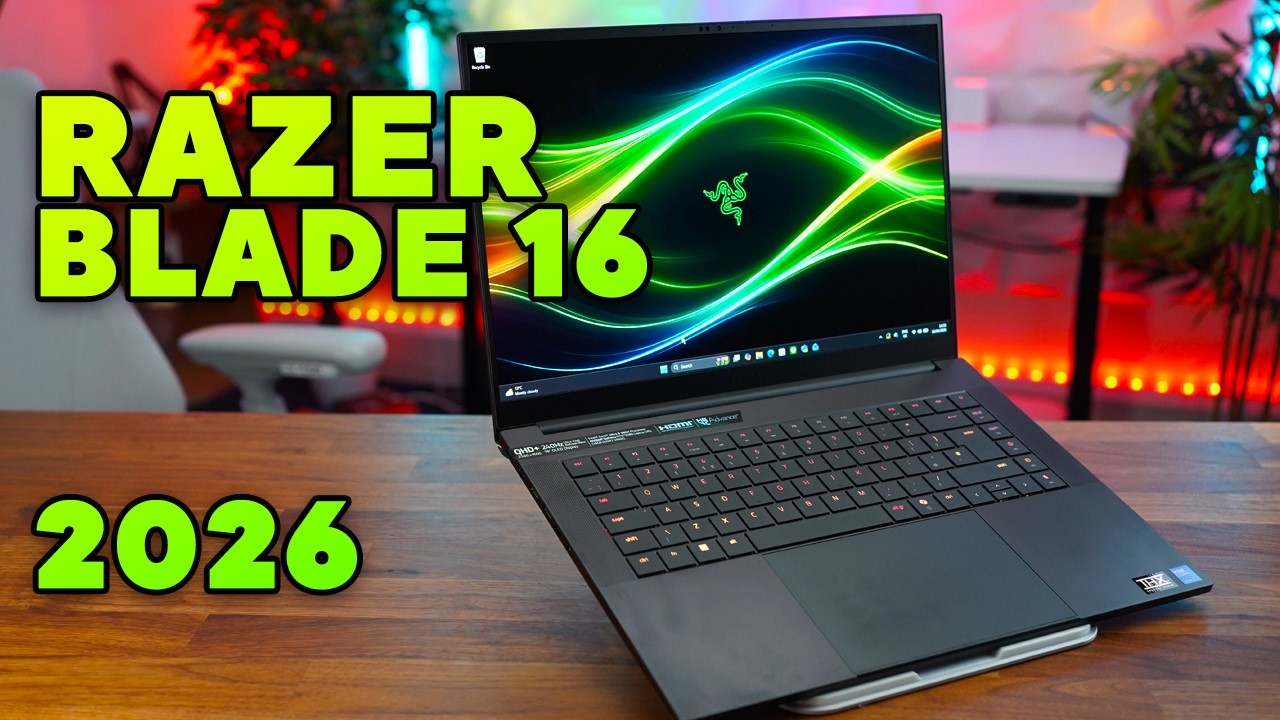
Let us start with the physical object. Razer kept the 14.9mm thickness and the roughly 4.6-pound weight from last year, and that remains the laptop’s most impressive engineering feat. Sliding this into a messenger bag feels wrong because the hardware inside is dense enough to anchor a small boat. The T6-grade aluminum unibody feels rigid in hand, though the edges are sharp enough to dig into your wrists during long typing sessions if you are not careful.
The daily handling reality involves heat distribution. During standard productivity, the chassis stays remarkably cool, but the moment you fire up a demanding game, the area directly above the keyboard gets noticeably warm. The vapor chamber cooling does its job keeping the components from throttling immediately, but it pumps that thermal energy into the palm rest zone in a way that makes extended gaming sessions uncomfortable without an external keyboard.
The 16-inch footprint is generous. You get a full-size keyboard layout with per-key RGB, but the trackpad, while large and glass-situated, suffers from a slightly mushy click mechanism compared to the crisp snap of a MacBook Pro. Windows Precision drivers are solid, but the physical feedback leaves something to be desired.
Living With It: Color Accuracy In Practice
Razer equipped this model with a 16-inch QHD+ OLED panel running at 240Hz with HDR TrueBlack 1000 certification. On the spec sheet, that translates to 1100 nits of peak HDR brightness and 100 percent DCI-P3 coverage. In my month of daily use, this display has been the single most impressive component of the entire machine.
I spent two weeks editing 4K video footage directly on the laptop screen without an external monitor, and the color accuracy out of the box is stunning. The 0.2ms response time eliminates ghosting entirely during fast-paced gameplay. The jump from 500 nits SDR to 1100 nits HDR is immediately visible when you toggle between standard desktop use and an HDR video on YouTube. Highlights pop with a realism that makes IPS panels look washed out by comparison.
There is a catch. OLED burn-in anxiety is real even with pixel-shift technology running in the background. I noticed slight unevenness in the taskbar area after two weeks of static elements. Razer includes mitigation tools, but if you are the type who leaves a bright spreadsheet open for eight hours a day, you need to be diligent about hiding the taskbar. For everyone else, this is the best display currently shipping in a gaming laptop, full stop.
Under Load: Under Stress: Framerates & Multitasking
Here is where the narrative gets complicated. The Intel Core Ultra 9 386H packs 16 cores and a 4.9GHz turbo clock, which Razer advertises as 33 percent more cores than the previous AMD Ryzen AI 9 HX 370 configuration. In synthetic benchmarks like Cinebench and Geekbench, those extra cores do show up. The multi-core numbers are strong, roughly on par with the best mobile chips currently available.
But real-world performance tells a different story. In Blender renders and Houdini simulations, I measured an 8 to 13 percent regression compared to last year’s AMD-equipped model. The additional cores do not translate into proportionally faster completion times in creative workloads. Premiere Pro performance similarly lagged behind the 2025 Blade 16 in my timeline scrubbing and export tests, though DaVinci Resolve ran smoothly.
Gaming is the most contentious result. Despite feeding the RTX 5090 a higher 165W TGP compared to last year’s 115W ceiling, the 2026 Blade 16 is measurably slower in most tested titles at 1600p resolution. The 2025 model with its AMD processor and lower-wattage GPU consistently pushed higher framerates. Thermal constraints in the ultra-thin chassis appear to be limiting sustained GPU boost clocks, meaning the extra hardware power cannot fully express itself during extended gaming sessions.
The 64 gigabytes of LPDDR5X-9600 memory is blazing fast and handles massive Photoshop files and virtual machines without breaking a sweat. But it is soldered to the motherboard. You cannot upgrade it. If you buy the 32 gigabyte configuration, you are locked in forever. This is the hidden cost of ultra-thin engineering.
The Friction Points
- CPU Regression: Multi-core creative workloads run slower than the 2025 AMD-equipped Blade 16 despite the higher core count.
- Gaming Performance: The RTX 5090 at 165W TGP does not outperform last year’s lower-wattage GPU in most games due to thermal throttling in the thin chassis.
- Soldered Memory: LPDDR5X is fixed at purchase. No upgrade path exists. Buying 32GB is a permanent limitation.
- Price Premium: The fully loaded model costs $4,999.99 USD, a significant asking price for mixed benchmark results.
- Surface Heat: The aluminum chassis becomes uncomfortably warm during sustained gaming loads.
- OLED Risk: Static desktop elements can cause uneven wear over time despite built-in mitigation.
- Battery Life: Hardware Canucks measured 17 hours and 20 minutes of web browsing. That is a 70 percent improvement over the previous generation and genuinely all-day capable.
- Display Quality: The QHD+ OLED at 240Hz with HDR TrueBlack 1000 and 1100 nits peak brightness is class-leading.
- Form Factor: 14.9mm thin and 4.6 pounds with flagship hardware. No other laptop currently matches this power-to-size ratio.
- AI Acceleration: The 50 TOPS NPU enables local Copilot+ PC features including Cocreator image generation and live translation without cloud dependency.
- Connectivity: Thunderbolt 5 alongside Thunderbolt 4, HDMI 2.1, and Wi-Fi 7 future-proofs the machine for years.
- Memory Speed: LPDDR5X-9600 is the fastest memory currently shipping in any consumer laptop.
If you are considering this machine, the RTX 5080 configuration at $3,499 makes significantly more sense than the RTX 5090 at $4,499. The gaming performance delta between the two GPUs in this thermal envelope is minimal, and you save over a thousand dollars. The 64 gigabyte memory upgrade is only justified if you specifically run memory-hungry virtual machines or massive orchestral sample libraries. For everyone else, the 32 gigabyte configuration paired with the RTX 5080 delivers 90 percent of the experience at 60 percent of the cost.
After thirty days, the 2026 Razer Blade 16 sits on my desk as a paradox. It is simultaneously the most impressive ultrabook gaming hybrid ever built and a machine that asks you to ignore inconvenient benchmark truths. The battery life is genuinely transformative. The display is breathtaking. The chassis engineering is unmatched. But the CPU gaming regression and the inability of the RTX 5090 to stretch its legs in this thermal envelope mean you are paying flagship prices for hardware that cannot fully deliver flagship performance. If you prioritize portability and battery life above raw sustained throughput, this is the one to beat. If you want the absolute fastest gaming numbers in a thin chassis, last year’s model or a thicker competitor might serve you better.
Tags: Razer Blade 16 2026 benchmarks, Intel Core Ultra 9 386H performance, RTX 5090 laptop GPU review, OLED display color accuracy, gaming laptop thermal throttling, LPDDR5X 9600 memory speed, Thunderbolt 5 connectivity, Copilot+ PC NPU, battery life real world test, Razer Blade 16 vs 2025 comparison, ultra thin gaming laptop 2026, HDR TrueBlack 1000 display, soldered RAM limitation, Windows 11 Pro gaming laptop.