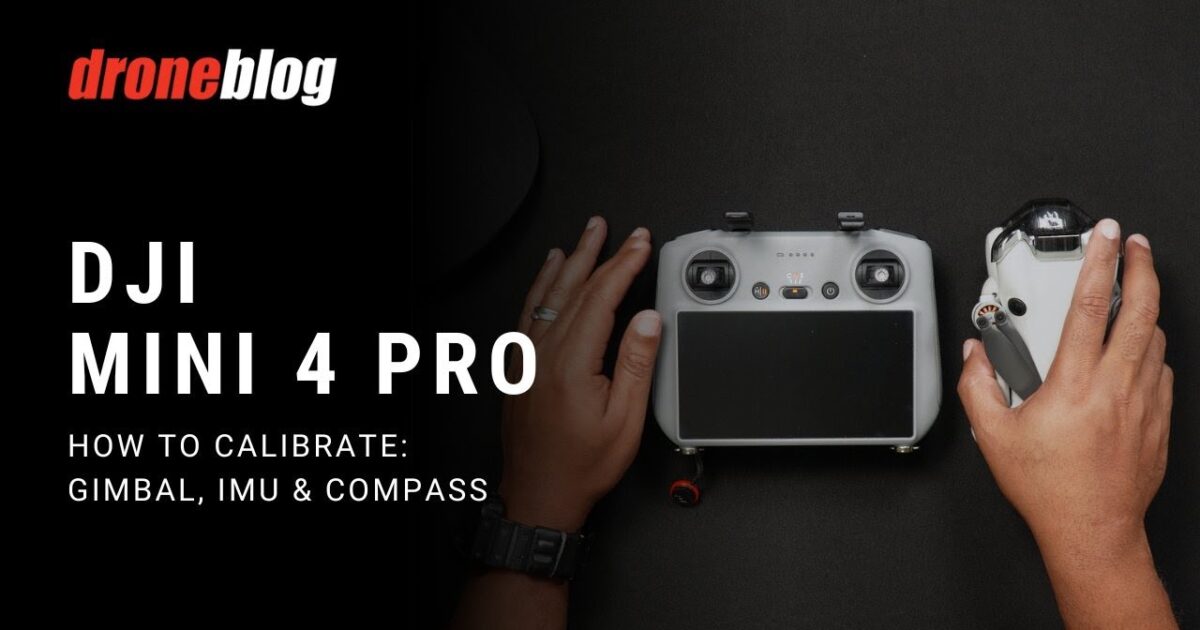
How to Fix DJI Mini 4 Pro: How to Calibrate Gimbal, IMU, and Compass Without Losing Performance
 androfyi
August 25, 2026
4 min read
118 views
androfyi
August 25, 2026
4 min read
118 views
⚡ The Core Solution
Power on your Mini 4 Pro, ensure the battery is above 50%, and navigate to the Safety > Sensors menu in the DJI Fly app to initiate the Gimbal, IMU, or Compass calibration sequences. Follow the on-screen orientation prompts precisely, keeping the drone perfectly level and away from magnetic interference to eliminate sensor drift.
DJI markets the Mini 4 Pro as a flawless flying camera, but the reality is that its Inertial Measurement Unit (IMU), compass, and gimbal are highly sensitive physical sensors. When your drone drifts, wobbles, or throws errors, it isn’t a software glitch – it’s sensor drift caused by magnetic interference, physical jostling, or temperature changes. Calibrating these components resets the baseline, telling the flight controller exactly what “level” and “north” look like. Skip these steps, and you are relying on corrupted data.
What Needs Changing First
Before you even open the DJI Fly app, your physical setup dictates whether this process succeeds or fails. I have watched too many pilots fail calibrations because they ignored the environment.
- Battery Level: Ensure the battery is at least 50%. A voltage drop mid-calibration corrupts the sensor baseline and bricks the sequence.
- Environment: Move away from large metal objects, parking lots, ships, or buildings with underground steel columns. Magnetic interference is the number one killer of compass calibrations.
- Surface: Place the aircraft on a perfectly level, dry surface. If the drone isn’t flat, the IMU calibration will fail before it starts.
The Core Configuration
The menu paths are buried, but the logic is simple. For the Mini 4 Pro, you are looking at the same root menu for all three sensors. Enter the flight interface in DJI Fly, tap ··· > Safety > Sensors. From here, you select Gimbal, IMU, or Compass. The app will dictate the physical orientation of the aircraft.
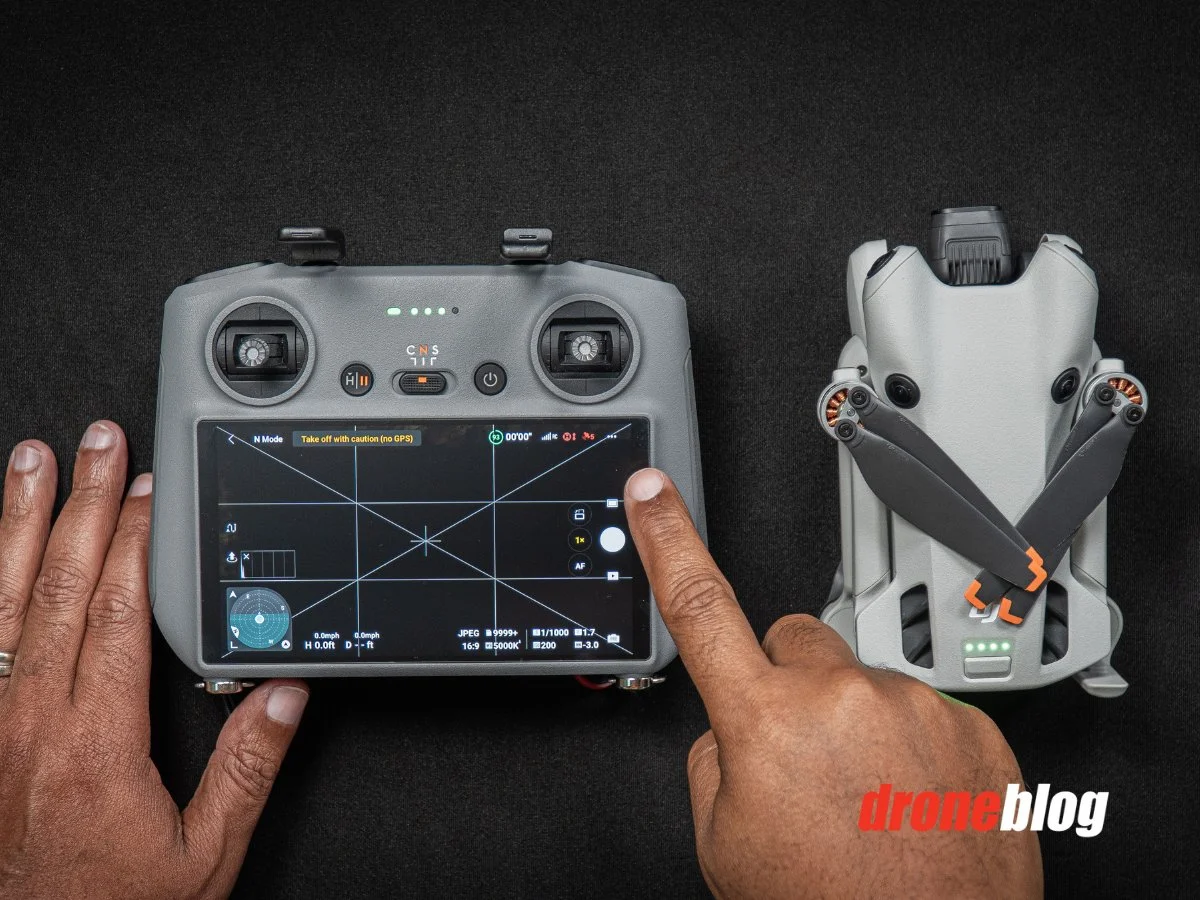
- Gimbal Calibration: The gimbal will auto-level. Do not touch the aircraft during this process. If it gets stuck, you have a physical obstruction or a hardware failure.
- IMU Calibration: The app will prompt you to place the aircraft in specific directions (e.g., nose down, left side down). You must place the drone based on the on-screen instructions. Failure to follow the exact orientation results in immediate calibration failure.
- Compass Calibration: Tap “Start Calibration.” Hold the drone level to the ground and spin your entire body 360 degrees. Keep the drone horizontal. Do not touch the screen during the process, or you will accidentally exit the calibration page.
Fine-Tuning & Verification
Once the app confirms “Calibration Complete,” do not immediately takeoff. Verify the data. Check the sensor status in the same Safety > Sensors menu. If any parameter shows a warning or error, repeat the calibration. If you are using the DJI RC Pro or DJI RC, the compass calibration requires drawing a figure-8 path with the remote controller instead of spinning the aircraft.
Common Edge-Case Errors
Even with perfect technique, the Mini 4 Pro will throw tantrums. The most common friction point I see is the gimbal getting stuck at 50% and throwing an error after about a minute. This is rarely a software issue. It is almost always a physical obstruction – like a twisted gimbal ribbon cable, a misaligned gimbal clamp, or debris jamming the brushless motor. Forcing the calibration will burn out the gimbal motor.
Another frequent failure point is the compass calibration timing out. If you are spinning the drone and the app suddenly exits the calibration page, you accidentally brushed the screen. The DJI Fly app is overly sensitive to touch during this sequence. Lock your screen or keep your fingers off the display until the final confirmation prompt.
Tags: DJI Mini 4 Pro gimbal calibration, DJI Mini 4 Pro IMU calibration, DJI Mini 4 Pro compass calibration, how to calibrate DJI Mini 4 Pro, DJI Fly app sensor calibration, DJI Mini 4 Pro gimbal error, DJI compass calibration failed, DJI IMU calibration stuck, DJI Mini 4 Pro drift fix, DJI Mini 4 Pro sensor error, calibrate DJI compass near metal, DJI Mini 4 Pro flight controller calibration, DJI Mini 4 Pro gimbal stuck at 50%, DJI Mini 4 Pro maintenance checklist, DJI Mini 4 Pro best practices.