Android phones let you use USSD codes as a hidden command set on your dial pad, and you can quickly check balances, enable features, or access service menus. While these codes are powerful for diagnostics and convenience, some codes can wipe data or change firmware-never run unknown sequences. To use them safely, test only trusted codes and back up your device; your awareness is the best protection.
Understanding USSD Codes
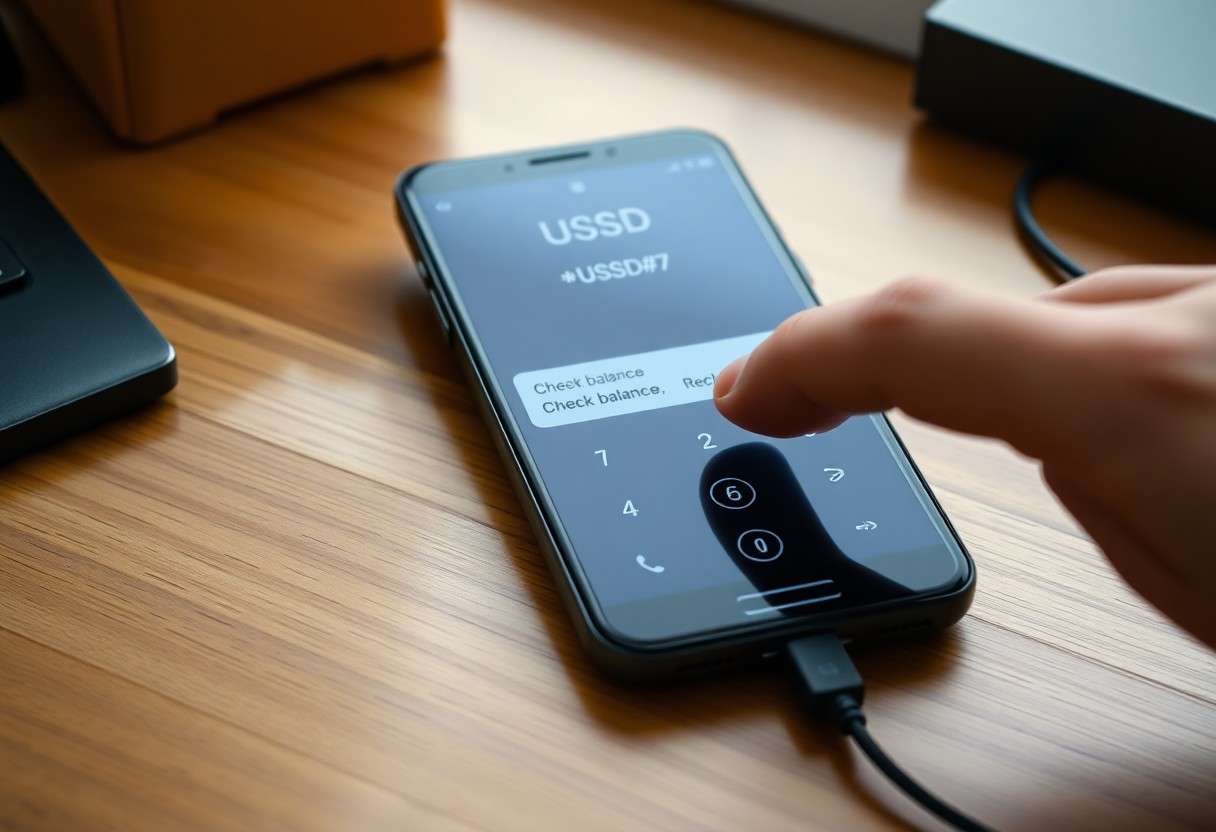
You interact with USSD every time you dial short codes like *123#, and those sessions connect your handset to the operator’s service platform using the GSM signaling channel. Responses typically arrive in 1-3 seconds and are session-based, not stored on your device; that makes them fast and usable without data, but also potentially insecure on legacy networks.
What are USSD Codes?
They’re short strings that begin with * and end with #-for example *#06# returns your IMEI, while *123# often shows balance. You should treat them as system-level commands handled either by the network (operator menus, mobile money) or by device firmware (MMI codes); they’re not apps or SMS messages and can trigger provisioning, diagnostics, or transactions instantly.
How USSD Codes Work
USSD runs over the GSM/SS7 signaling path as a session-oriented protocol (specified in GSM/3GPP standards). You send a Mobile-Originated request, the operator gateway routes it to an application server, and a Mobile-Terminated response appears on your screen. Because sessions are ephemeral and typically unencrypted, operators often require PINs or OTPs for sensitive operations like mobile money.
A typical flow: you dial *111#, the MSC/SSP forwards the request to a USSD gateway/SCP, the service logic queries billing or provisioning systems and returns a menu, you pick an option and confirm with a PIN. Note some codes are device-level (MMI)-for instance the factory-reset sequence *#*#7780#*#* is dangerous if entered unintentionally; session timeouts are short (commonly 30-120 seconds), so interactions must be quick and deliberate.
Commonly Used USSD Codes
Dialing USSD gives you instant access to carrier and phone-level functions: balance checks like *123# or *111# (carrier-dependent), IMEI lookup with *#06#, Android testing menu via *#*#4636#*#*, and Samsung hardware tests at *#0*#. You can top up with formats such as *123*PIN#, subscribe to bundles with shortcodes like *121#, or query call-forwarding and waiting statuses; these commands save time but vary by operator and region.
Network Service Codes
Many carriers expose account actions through USSD: check airtime and data balances with codes like *123# or *111#, buy bundles via menus at *121#, and redeem vouchers using formats such as *123*PIN#. You can also enable or disable roaming, view tariff details, and reach customer care through dedicated shortcodes; services and numbers differ by country, so you often have to try the carrier’s published USSD table.
Phone Status Codes
Phone-level USSD/MMI strings reveal device info and run diagnostics: *#06# returns your 15-digit IMEI, *#*#4636#*#* opens the Android testing menu with battery, usage and network stats, and *#0*# runs Samsung hardware tests. Beware: codes like *#*#7780#*#* and *2767*3855# trigger resets/wipes-use them only when you’ve backed up everything.
Dialing *#06# gives you the IMEI used for blacklist checks and warranty lookups; you can paste that 15-digit number into carrier portals or imei.info. The testing menu shows signal strength in dBm (for example, ~-50 dBm is excellent, ~-85 dBm is usable, ~-110 dBm is poor) and network type (LTE/3G). Always back up before running reset codes, since factory-wipe USSD commands permanently erase data.
Benefits of Using USSD Codes
Beyond convenience, USSD gives you near-instant access to core services with minimal setup: balance checks, airtime top-ups, mobile money and simple banking menus often return results in under 10 seconds. Because it works on feature phones and without mobile data, millions in regions like Africa and South Asia rely on USSD for daily transactions; this makes it a high-impact, low-friction channel for providers and users alike.
Quick Access to Services
With a single code such as *123# for balance or *100# for recharge, you can complete tasks in a few keystrokes and a short session. Response times usually fall below 10 seconds, menus are hierarchical for rapid navigation, and operators often map USSD to backend APIs so you see real-time account updates – ideal when you need a service without installing apps or using data.
Enhanced User Experience
Because USSD runs without an app, you get immediate functionality on any GSM handset and can complete transactions with PIN-protected prompts; this reduces friction and increases uptake among non-smartphone users. At the same time, note that USSD sessions are session-based and often unencrypted, so sensitive workflows typically pair USSD with OTPs or backend checks to mitigate exposure.
For more detail, usability gains include simplified numeric menus for low-literacy users, offline operation for remote areas, and integration with SMS receipts for audit trails. In practice providers combine USSD with confirmation SMS and two-factor verification to balance speed with security, while session timeouts (commonly ~60 seconds) keep interactions short and reduce accidental transactions.
Safety and Security Concerns
Recognizing Legitimate Codes
You can tell legitimate USSD/MMI codes by provenance and output: carriers publish their service codes (for example many operators use *123# for balance checks) and manufacturers document diagnostic codes like *#06#, which returns your 15‑digit IMEI. If a code appears on your carrier’s support page, in an official manual, or a verified forum, it’s likely safe; codes that change settings, request PINs, or come from unknown senders should be treated as untrusted.
Avoiding Scams
Scammers commonly instruct you to dial sequences that enable call forwarding or hook you into premium services; for instance, GSM sequences such as 21*number# can turn on unconditional forwarding and ##21# cancels it, so never follow unsolicited dialing instructions. Always verify any code with your carrier or via the official app, and refuse to share one‑time codes, PINs, or account details with callers or texts that pressure you.
Prefer using your carrier’s app or the phone’s Settings for sensitive actions, and if you must test an unfamiliar code, try it on a secondary SIM or in a controlled environment to avoid network effects. Be aware that premium shortcodes (e.g., numbers beginning with 900 in the US or certain 09 prefixes in the UK) can carry high per‑minute or per‑message fees, so report suspicious code requests to your provider and keep screenshots of any messages that urge you to dial them.
How to Use USSD Codes on Android
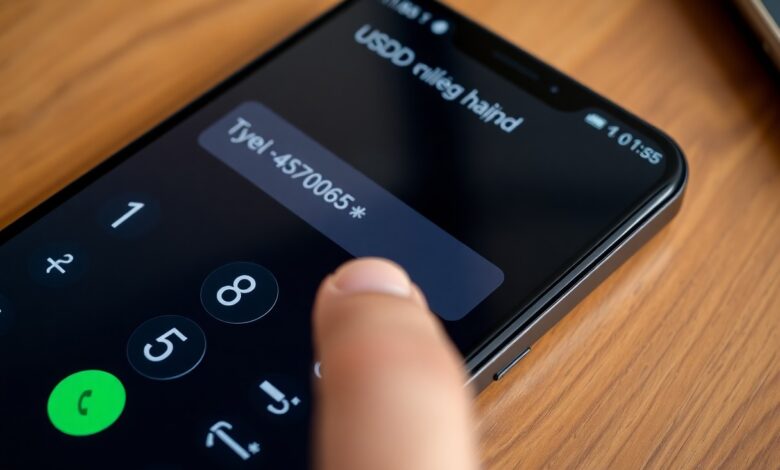
You can run most USSD commands directly from the phone app by typing the code and tapping Call; common examples are *#06# to display your IMEI and carrier-specific codes like *123# for balance queries (varies by operator). Some codes such as *2767*3855# perform a full factory wipe on many devices, so only use codes you trust and always back up your data first.
Dialing Codes Correctly
Type the sequence exactly with no spaces, starting with an asterisk and ending with a pound sign (e.g., *#06#), then press Call – saving a USSD string as a contact usually won’t work. On dual‑SIM phones select the correct SIM slot for that network and avoid adding prefixes like + or country codes; some diagnostic codes (e.g., *#*#4636#*#*) open Android testing menus on many models.
Troubleshooting Common Issues
If you get “Invalid MMI” or “Command not supported,” the operator may block the code, the SIM might be inactive, or the OEM disabled it. Try toggling airplane mode, switching SIM slots, rebooting, or testing the same code with a friend’s SIM; contacting your carrier’s support or checking their official code list often resolves carrier-specific blocks.
Advanced failures can stem from carrier firmware or missing permissions: some codes require root or OEM debug access, while others expose sensitive info like IMEI and IMSI – avoid sharing those outputs publicly. When a code behaves unexpectedly, test on a spare device, verify OEM documentation, and keep a current backup so a misused command (for example, a reset code) won’t cause permanent loss.
Future of USSD Codes
You’ll see USSD remain vital where feature phones dominate-GSMA reports over 1 billion mobile money accounts globally-while operators layer modern APIs and mobile wallets on top. M‑Pesa (launched 2007) still serves tens of millions in East Africa, so you’ll encounter hybrid flows that route a USSD session into a REST API or push a deep link to an app. Beware that USSD’s lack of end‑to‑end encryption keeps it a target even as functionality improves.
Trends in Telecommunications
Operators are virtualizing USSD gateways and adopting cloud‑native stacks so you get faster provisioning and easier scaling; trials show cloud migration reduces rollout time from months to days. Meanwhile, 5G and RCS promise richer customer messaging, and carriers expose REST/SMPP APIs so you can integrate USSD-like services into backend systems. Expect more operator‑developer platforms and improved scalability, but also growing attack surfaces that you must monitor.
Alternatives to USSD Codes
You’ll find many alternatives: native mobile apps, SMS and RCS, SIM Toolkit (STK), IVR/voice, QR codes and NFC, and payment or verification APIs from providers like Stripe, Flutterwave or M‑Pesa. Each has tradeoffs-apps offer stronger crypto and UX but need smartphones, while SMS/RCS reach more devices yet are less interactive.
In practice you can replace USSD with tokenized NFC/contactless payments (Visa/Mastercard tokenization), QR payments used by Alipay/WeChat, or secure OAuth2‑backed apps and REST APIs; fintechs process millions of API calls daily to handle settlements. Those options bring better encryption and fraud controls, but introduce new risks-device malware and app‑side vulnerabilities-so you must combine server‑side checks, device attestation and transaction limits to protect your users.
To wrap up
Ultimately, USSD codes give you powerful, immediate access to diagnostics, carrier services, and hidden settings through your Android dial pad; mastering them lets you troubleshoot, check balances, and adjust network features fast, so you can manage your device and account more efficiently without apps or complex menus.