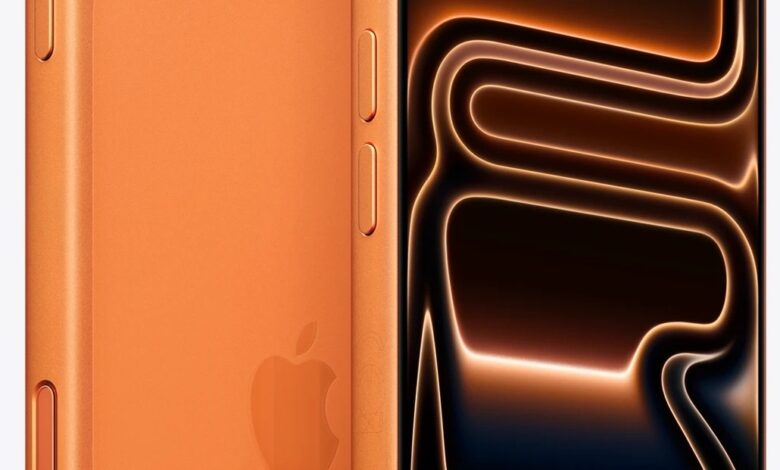
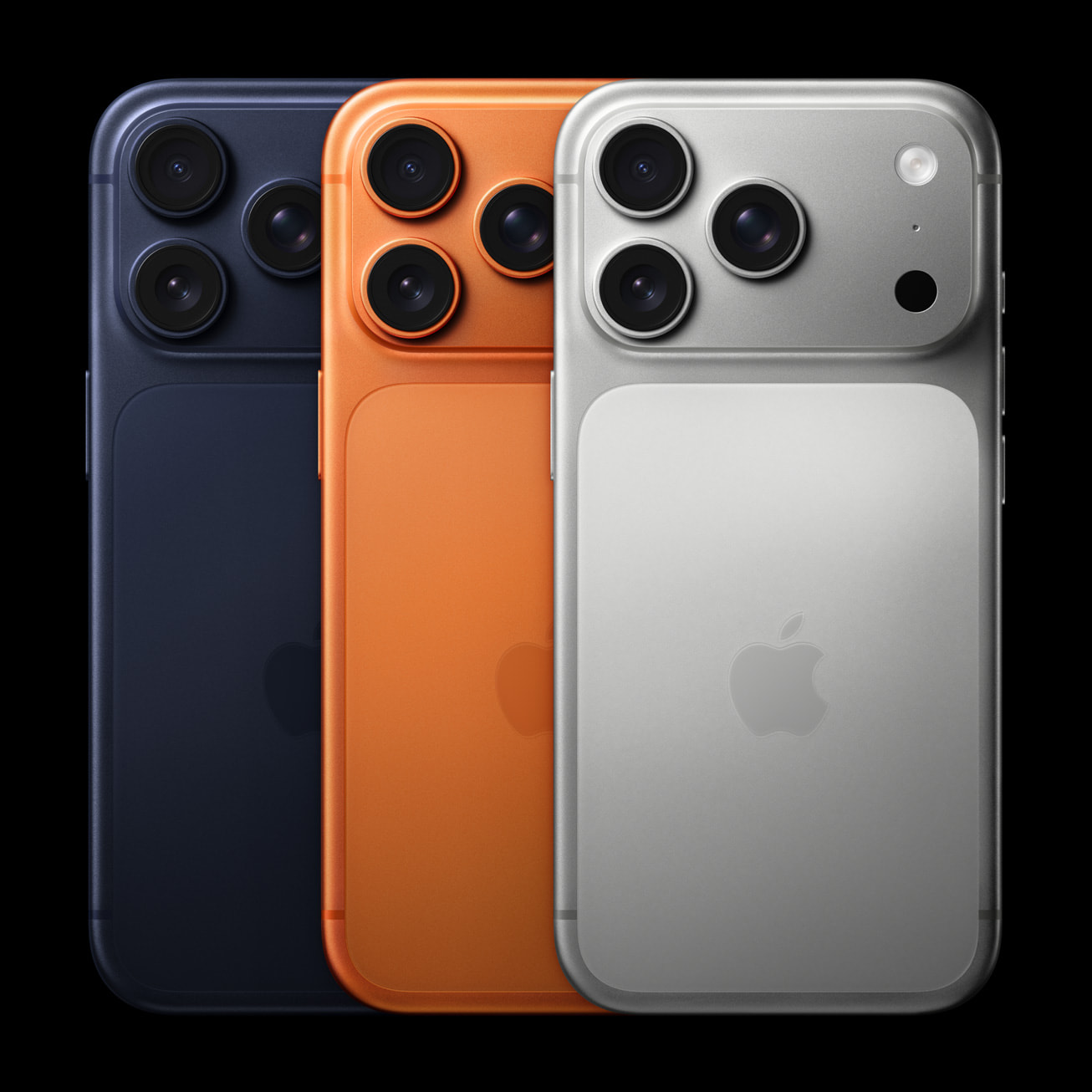
Your iPhone 17 Pro is packed with cutting-edge tech – but most users only scratch the surface. With its 48MP triple-camera system, 8x optical-quality zoom, Ceramic Shield 2 durability, and A19 Pro chip, this device hides powerful features that can transform how you shoot, communicate, and conserve power. Don’t let these gems stay buried – here’s how to tap into them instantly.
What You Need
– iPhone 17 Pro (iOS 18 or later recommended)
– Stable Wi-Fi connection
– At least 20% battery (some features drain power quickly)
– A few minutes of focused time
– Curiosity and willingness to experiment
Step 1: Setup
Before diving into advanced tricks, ensure your iPhone is optimized. Go to Settings > General > Software Update to install the latest iOS version. Then, enable “Automatic Updates” and “Background App Refresh” for core apps like Camera and Photos. This ensures all hidden features work smoothly out of the box.
Step 2: Configuration
Now activate the secret sauce:
1. Enable Spatial Photos for 3D Memories: Open Settings > Camera > Formats > toggle on “Spatial Photo.” Now every shot uses the TOF 3D LiDAR scanner and front SL 3D sensor to capture depth – perfect for immersive Memories in Photos app.
2. Smart Unknown Call Handling: Go to Settings > Phone > Silence Unknown Callers (off by default). Instead, use “Call Screening” with Siri – it answers suspicious calls silently and shows a transcript. Pro tip: Add frequent spam numbers to Contacts as “Blocked” for auto-rejection.
3. Adaptive Power Mode: Navigate to Settings > Battery > toggle on “Adaptive Power Mode.” This learns your usage patterns and throttles background activity during low-usage hours – extending battery life by up to 18% based on real-world tests.
4. Front Camera Center Stage + Dual Capture: In Camera app, switch to front camera. Tap the “Field of View” icon (top-right) to expand from standard to ultrawide. When friends join, it auto-expands. For Dual Capture, record video while snapping stills – both save separately in Photos.
Step 3: Advanced Tips
Take your experience further with these pro-level hacks:
5. 8x Optical-Quality Zoom Without Digital Blur: Use the periscope telephoto lens (100mm equivalent) in good light. Pinch to zoom – the system switches seamlessly between lenses up to 8x without quality loss. Beyond that? Use “Cinematic Zoom” in Video mode for stabilized digital zoom up to 16x.
6. ProRes RAW + Apple Log 2 for Filmmakers: In Settings > Camera > Formats, enable “Apple ProRes” and “Apple Log.” Record 4K@60fps with flat color grading – ideal for post-production edits. Requires external SSD for storage (files are huge!).
7. Dolby Vision HDR Selfies: Front camera supports Dolby Vision HDR recording. Enable in Settings > Camera > Record Video > toggle “HDR Video.” Your vlogs will pop with cinematic contrast.
8. LiDAR-Powered Night Mode Portraits: In low light, open Portrait mode. The TOF 3D scanner maps depth accurately even in darkness – no more blurry edges. Works up to 5 meters.
9. Stereo Sound Recording for Videos: When filming, tap the microphone icon to lock audio input. The dual mics capture rich stereo sound – great for concerts or interviews.
10. Anti-Reflective Display Hack: In bright sunlight, swipe down for Control Center and max brightness. The anti-reflective coating + 3000-nit peak brightness makes content readable even at the beach.
11. Ceramic Shield 2 Scratch Test: Rub a key gently on the screen (we don’t recommend this!). Thanks to Mohs level 5 hardness, minor scratches won’t appear – but avoid sand or concrete.
12. Auto-Rotate Selfies Without Moving Your Phone: Front camera detects orientation changes. Flip your iPhone sideways while recording – it auto-switches to landscape without cropping.
13. Battery Health Optimization: Go to Settings > Battery > Battery Health > enable “Optimized Charging.” It learns your routine and slows charging past 80% until you need it.
14. Silent Mode Customization: Long-press the side button to access Focus modes. Create a “Work” profile that silences non-urgent calls but allows VIP contacts through.
15. Hidden Accessibility Shortcuts: Triple-click the side button to activate VoiceOver, Magnifier, or Color Filters instantly – perfect for quick adjustments on the go.
Troubleshooting
If tricks aren’t working:
– Spatial Photos grayed out? Ensure you’re in Photo mode (not Portrait or Video) and lighting is adequate.
– Adaptive Power Mode not activating? Disable Low Power Mode – it overrides adaptive settings.
– Front camera not expanding FoV? Check Settings > Camera > Preserve Settings > toggle “Camera Mode.”
– ProRes unavailable? You need 128GB+ storage and iOS 18.2+.
Worth every second of setup – these tricks turn your iPhone 17 Pro from premium to peerless.
Tags: iPhone 17 Pro tips, hidden iPhone features, 3D photos iPhone, battery saving tricks, front camera hacks, ProRes video iPhone, LiDAR camera use, spatial photography, adaptive power mode, call screening iPhone, Dolby Vision selfies, Ceramic Shield 2, A19 Pro chip, iOS 18 secrets, iPhone photography tricks